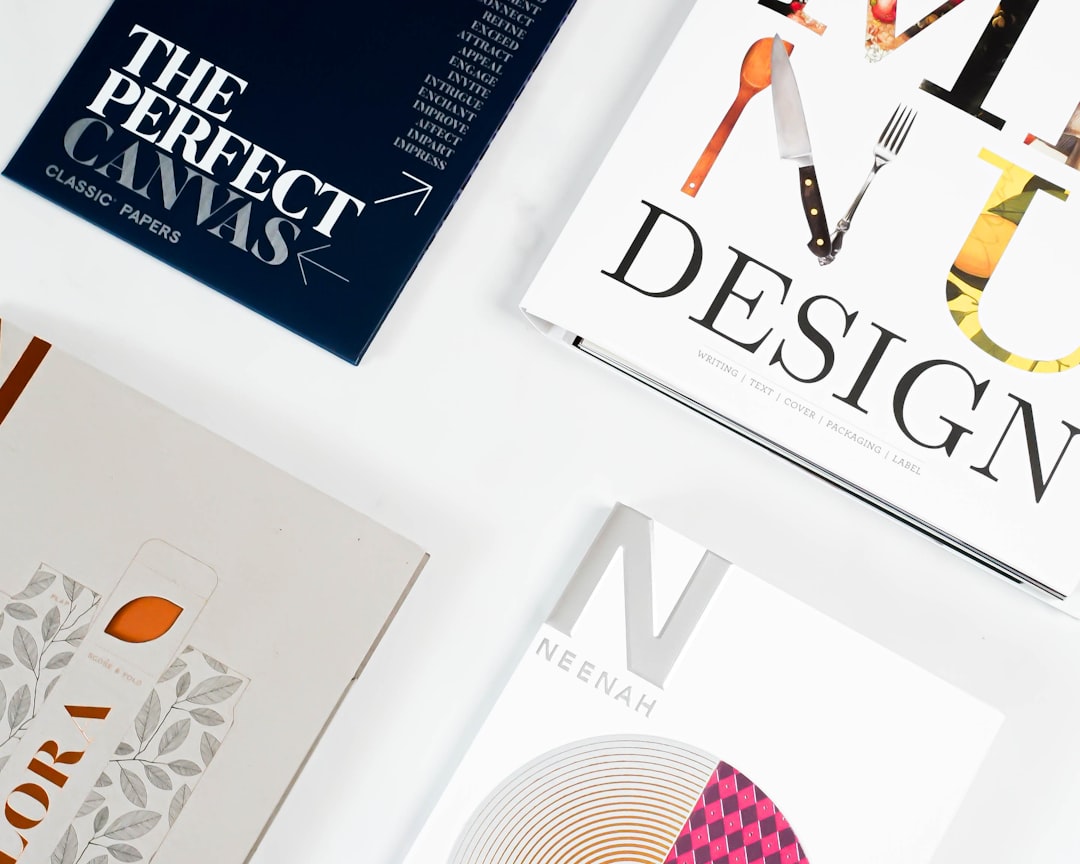
A business card is often the first impression someone gets of a professional or a brand. In an increasingly digital world, the value of a well-designed, tangible card can’t be underestimated. A powerful design can convey credibility, creativity, and professionalism. Choosing the right design tool with editable layouts and font options is crucial for creating a standout business card.
TLDR: Choosing the right business card design tool is essential for creating a memorable and professional impression. The ideal tool should offer editable layouts, customizable fonts, high-quality templates, and export options for print. Tools like Canva, Adobe Express, and VistaCreate lead the pack in terms of versatility, while platforms like Moo and PsPrint are optimal for seamless design-to-print workflows. Whether you need full customization or ready-made templates, there’s a design tool suited to every professional need.
1. Canva
Canva is one of the most popular and versatile design platforms available today. With thousands of business card templates, users can easily drag and drop elements, customize fonts, and modify layouts to reflect personal or brand identity.
- Extensive template library
- Intuitive drag-and-drop interface
- Large selection of Google fonts and typography features
- Free and Pro versions available
Perfect for startups, small business owners, or designers who prefer rapid prototyping.
2. Adobe Express
Previously known as Adobe Spark, Adobe Express enables sleek, professional-grade card designs with minimal effort. Combining Adobe’s robust design capabilities with an easy-to-use interface, it’s ideal for creatives familiar with Adobe’s suite.
- Professional-grade templates
- Adobe Fonts integration
- Cloud-based storage and access
- Hands-on design flexibility
This tool is particularly useful for users looking to maintain visual consistency with other Adobe projects or branding materials.
3. VistaCreate
VistaCreate, formerly Crello, provides a comprehensive design environment that’s focused on marketing visuals—including business cards. It offers full customization, including layouts, text, and brand fonts.
- Over 50,000 templates
- Brand kit features
- Multiple print-ready formats
- Library of icons, photos, and frames
Ideal for marketing professionals and small businesses looking to create cohesive branded materials.
4. Moo
Moo goes beyond design and into the world of premium print services. While its primary function is printing, Moo offers a streamlined business card design tool with editable layouts and font personalization.
- High-quality printing and card stock
- Editable online templates
- Limited but elegant typography choices
- Batch printing for teams
Moo is best suited for individuals or teams looking for professional-grade printing combined with easy-to-use templates.
5. Zazzle
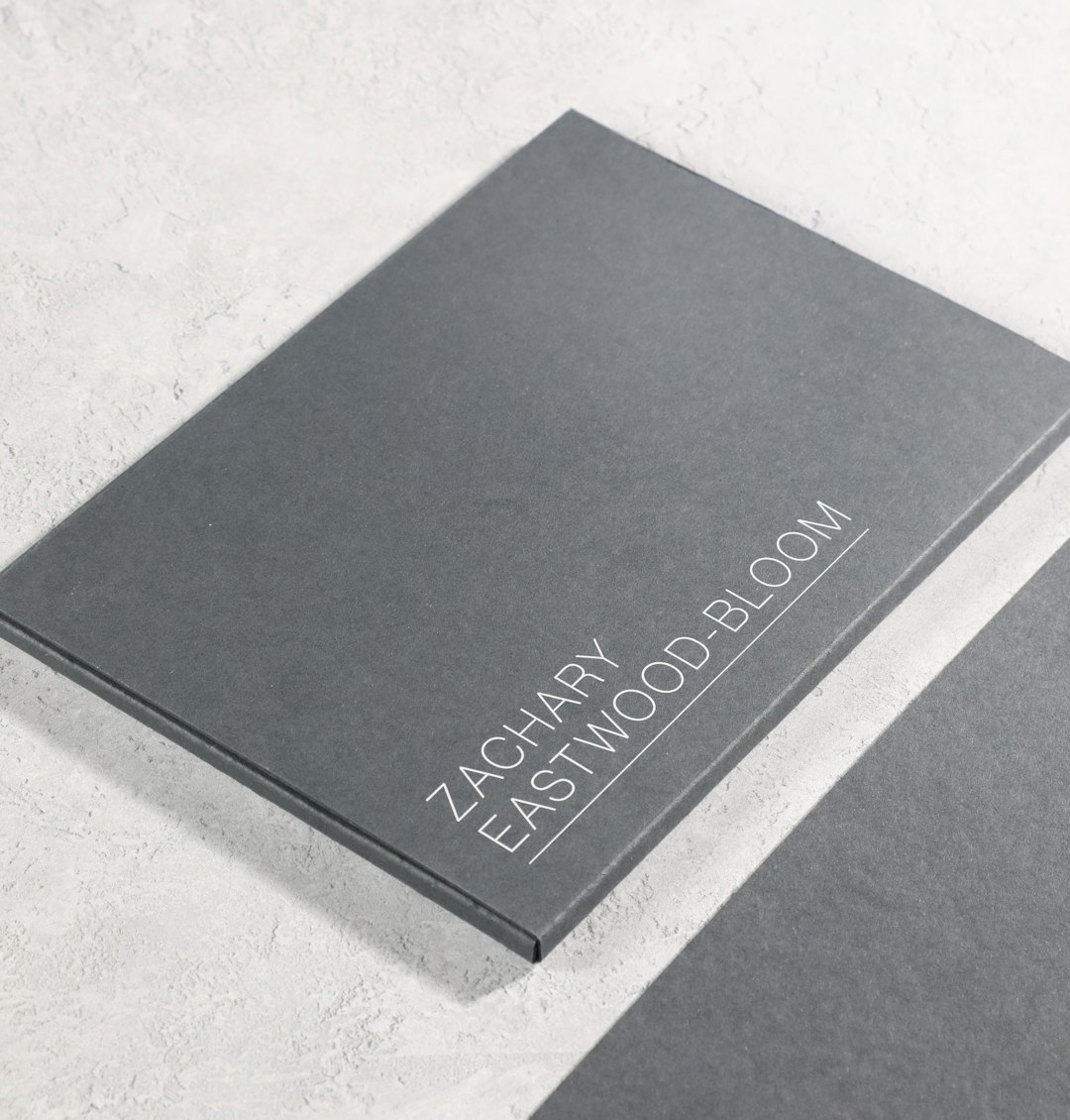
Zazzle is a marketplace where designers and customers meet. It offers a wide array of editable business card templates, and users can adjust layouts, fonts, and even upload their own artwork.
- Thousands of designer-made templates
- Advanced font editing tools
- User-uploaded designs supported
- In-house printing services available
This is a good choice for individuals who prefer a semi-custom process while relying on professional design inputs.
6. PsPrint
PsPrint combines a rich history of professional printing with modern design flexibility. While the interface is somewhat utilitarian, it provides useful tools for font manipulation and layout customization.
- Wide range of card sizes and finishes
- Editable online design templates
- Font and color palette customization
- Direct printing and shipping services
Great for those looking for industrial-grade prints with user-friendly editing features.
7. DesignCap
DesignCap is a lesser-known but powerful free design tool, especially useful for quick business card mockups. It provides an accessible platform where users can alter layouts, insert text, and change font styles seamlessly.
- Simple UI with editable templates
- Font library with bold, serif, and decorative types
- Supports exporting in high-resolution formats
- No signup required for basic use
Ideal for freelancers or individuals creating designs on a tight deadline.

8. Fotor
Fotor functions as more than a photo editor—its design mode includes business card creation with numerous layout and font options. Users can select from pre-set dimensions or custom sizes, making it especially flexible.
- Flexible card dimension settings
- Modern font selection and editing tools
- AI-based enhancement features
- Drag-and-drop interface
Best suited for users who want integrated photo editing and card design in one platform.
9. Lucidpress
Lucidpress is built for organizations that require brand management and consistent design tools. It features lockable templates, which is excellent for design governance across departments.
- Editable and lockable templates
- Brand asset integration
- Real-time team collaboration
- Compatible with existing CRM tools
Especially useful for enterprises needing both customization and control over corporate branding.
10. Placeit
Placeit by Envato is widely known for mockups, but it also offers user-friendly business card design tools. With editable templates and flexible font options, it’s a strong contender for creating on-brand designs in minutes.
- Template-based design
- Library of modern font styles
- No design experience required
- Easy export for mockups and print
Recommended for entrepreneurs who want quick turnaround without sacrificing visual appeal.
11. Jukebox Print
Jukebox Print is a premium printing service that doubles as a design tool. It offers customization through its online editor, including font choices, metallic finishes, and raised ink options.
- Premium card material and finish options
- Editable typography settings
- Custom die-cut shapes
- Innovative textures and design finishes
Excellent for brands looking to create ultra-luxurious or unique physical cards with strong design elements.
Final Thoughts
Today’s best business card design tools offer a wide range of editable fonts and layouts suitable for industries across the board. From customizable drag-and-drop platforms to high-end print services, these solutions provide something for every need and budget. Choosing the right tool depends on whether you prioritize ease of use, branding control, or premium materials.
Strong typography, compelling layouts, and efficient editing tools elevate business cards from forgettable to memorable. Taking the time to select the right platform is a smart investment toward long-lasting professional impressions.