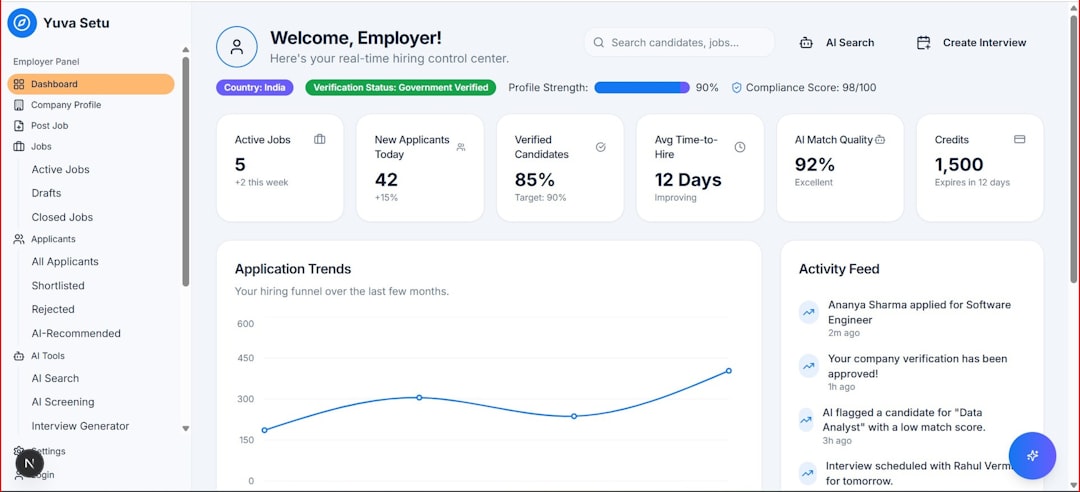
Interactive dashboards have become the backbone of modern decision-making. From startup founders tracking growth metrics to enterprise teams monitoring performance KPIs, visual data storytelling is no longer optional—it’s essential. While Chart.js is a popular choice for lightweight, flexible charting, it’s far from the only tool available for building custom dashboards. A growing ecosystem of data visualization libraries now offers more power, interactivity, and scalability than ever before.
TLDR: If you love Chart.js but need something different—more advanced customization, better performance with large datasets, or richer interactivity—there are several strong alternatives. Tools like D3.js, Highcharts, Apache ECharts, Plotly, Google Charts, and ApexCharts each offer unique strengths for custom dashboard development. Whether you need deep customization, enterprise-level support, or simple plug-and-play charts, this list highlights the best options. A comparison table is included to help you choose the right solution for your project.
Let’s explore six powerful data visualization tools that can help you design compelling, scalable dashboards.
1. D3.js
D3.js (Data-Driven Documents) is one of the most powerful and flexible visualization libraries available. Unlike plug-and-play charting tools, D3 gives you full control over how visual elements are rendered in the DOM using SVG, Canvas, or HTML.
Why developers love it:
- Unmatched customization and flexibility
- Rich animation and transition capabilities
- Ability to create truly unique, non-standard visualizations
- Strong community and extensive documentation
D3 is ideal for projects where pre-built charts simply aren’t enough. If your dashboard requires advanced interactivity or complex data manipulation before rendering, D3 excels. However, this power comes with a learning curve—expect to write more code compared to Chart.js.
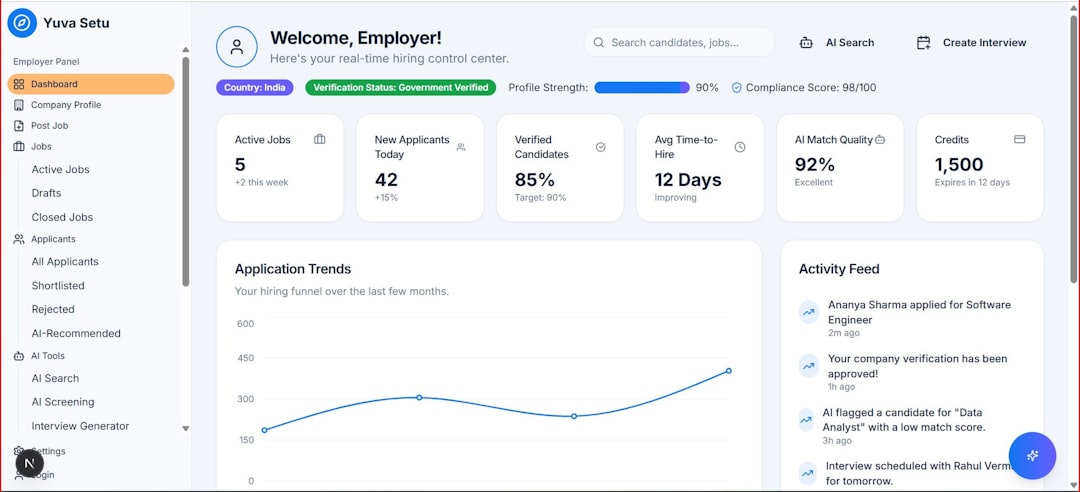
Best for: Developers who want complete creative control over visualizations.
2. Highcharts
Highcharts is known for its polished look and enterprise-level reliability. It offers a vast collection of chart types, from standard bar and line charts to heatmaps, treemaps, and Gantt charts.
Key advantages include:
- Responsive and mobile-friendly design
- Built-in accessibility features
- Exporting options (PDF, PNG, CSV)
- Official support and regular updates
Highcharts is easier to configure than D3 while remaining more powerful than many lightweight libraries. It’s widely used in financial dashboards and business intelligence tools. Keep in mind that while it offers a free version for non-commercial use, commercial licensing is required for business projects.
Best for: Enterprises and teams needing robust, production-ready dashboards.
3. Apache ECharts
Developed by Baidu, Apache ECharts is a high-performance visualization library capable of handling large-scale datasets smoothly. It’s particularly well-suited for real-time and dynamic dashboards.
- Excellent performance with big data
- Built-in themes and customization options
- Strong support for maps and geographic data
- Mobile-friendly rendering
ECharts stands out for its integrated features like data zooming, dynamic updates, and toolbox options without requiring additional plugins. If your dashboard requires real-time analytics—think IoT data streams or financial tickers—ECharts is worth considering.
Best for: High-performance dashboards with real-time updates.
4. Plotly.js
Plotly.js bridges the gap between scientific computing and web-based dashboards. Originally popular among data scientists, it has evolved into a powerful JavaScript graphing library capable of producing interactive, publication-quality charts.
- Built-in hover information and interactions
- Wide range of 3D charts and statistical visualizations
- Integration with Python, R, and Dash framework
- Open-source core with enterprise upgrades
Plotly is especially strong in analytical and research-driven dashboards. Its interactive tooltips and zooming features work right out of the box, saving development time.
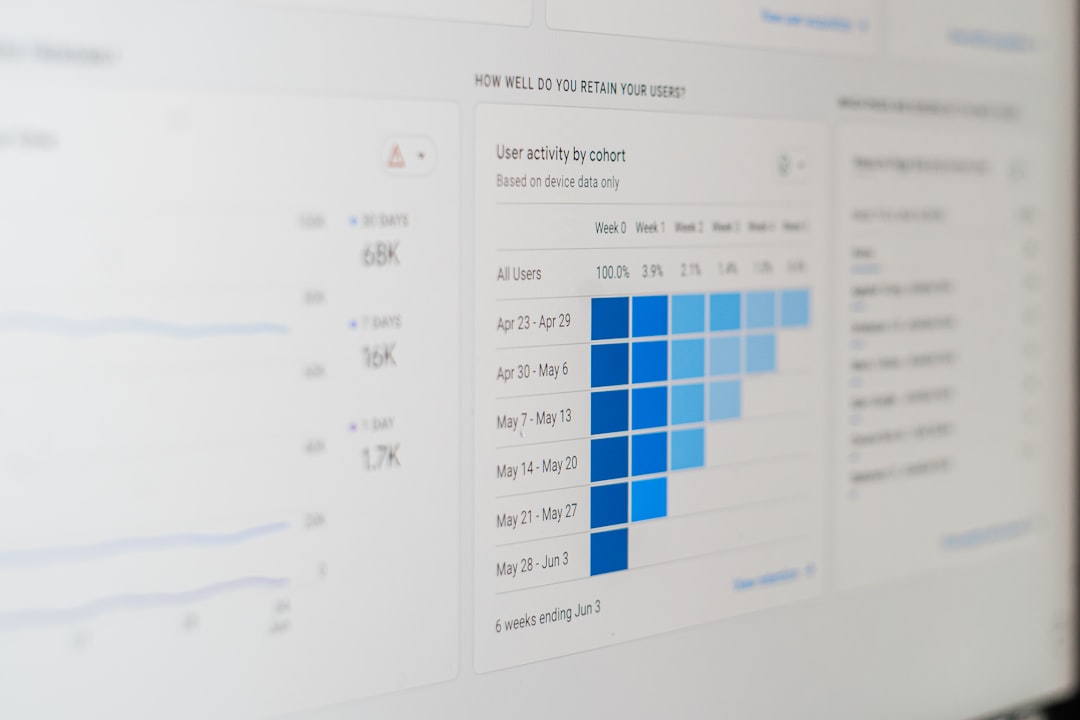
Best for: Data-heavy applications with scientific or analytical requirements.
5. Google Charts
Google Charts offers a simple yet effective way to embed interactive charts into web applications. Backed by Google, it provides stable performance and integrates smoothly with other Google services.
- Easy-to-use API
- Automatic data handling from Google Sheets
- Clean default visual styles
- No licensing fees
Although customization options are more limited compared to D3 or ECharts, Google Charts is an excellent choice for simple internal dashboards or quick data reporting solutions.
Best for: Lightweight dashboards and quick deployments.
6. ApexCharts
ApexCharts has rapidly gained popularity for its simplicity, modern design, and strong framework support. Built specifically for developers, it integrates seamlessly with React, Vue, and Angular.
- Modern, clean default chart designs
- Responsive and mobile-optimized
- Built-in animations
- Simple configuration structure
ApexCharts strikes a sweet spot between ease of use and flexibility. It’s lighter than some enterprise-level libraries while offering more visual polish than many open-source alternatives.
Best for: Startups and developers building sleek, responsive dashboards quickly.
Comparison Chart
| Tool | Customization | Ease of Use | Performance with Large Data | Best For |
|---|---|---|---|---|
| D3.js | Very High | Moderate to Difficult | High | Fully custom visual projects |
| Highcharts | High | Easy to Moderate | High | Enterprise dashboards |
| Apache ECharts | High | Moderate | Very High | Real-time and large datasets |
| Plotly.js | High | Moderate | High | Scientific and analytical apps |
| Google Charts | Moderate | Very Easy | Moderate | Simple internal dashboards |
| ApexCharts | Moderate to High | Easy | High | Modern web apps |
How to Choose the Right Tool
Selecting the right visualization library depends on your project’s unique needs. Consider these factors:
- Complexity: Do you need custom animations or unconventional chart types?
- Dataset size: Will you handle thousands or millions of data points?
- Development speed: Do you need rapid deployment?
- Budget: Are you working on a commercial project?
- Framework compatibility: Are you using React, Angular, or Vue?
If customization is your top priority, D3.js leads the pack. For sleek and quick deployment, ApexCharts or Google Charts may be your best bet. For performance-heavy applications, Apache ECharts is particularly strong.
Final Thoughts
While Chart.js remains a fantastic starting point for interactive visualizations, the data visualization landscape offers far more depth and variety than many developers realize. From the expressive power of D3.js to the enterprise polish of Highcharts and the analytical muscle of Plotly, each tool brings something unique to the table.
Modern dashboards demand more than simple charts—they require interactivity, scalability, and compelling storytelling. By exploring these six Chart.js alternatives, you can choose a library that aligns perfectly with your technical requirements, team expertise, and user expectations.
The right tool doesn’t just display data—it transforms information into insight.