When your Spectrum home phone stops working, it can disrupt both personal and emergency communications. Whether you rely on your landline for business, security systems, or staying in touch with family, a sudden loss of service is frustrating and concerning. Fortunately, most Spectrum home phone issues can be resolved with a series of structured troubleshooting steps. This guide walks you through the most common causes, practical fixes, and when to escalate the problem to Spectrum support.
TL;DR: If your Spectrum home phone is not working, first check power connections, modem status lights, and cable connections. Restart your modem and ensure there are no local outages affecting your area. Test with a different phone handset to rule out equipment failure. If problems persist after basic troubleshooting, contact Spectrum support for line diagnostics or service repair.
Common Reasons Your Spectrum Home Phone Is Not Working
Spectrum home phone service operates through Voice over Internet Protocol (VoIP). This means your phone depends on your internet modem and power supply. When something goes wrong, the problem typically stems from one of the following:
- Power outage or unplugged equipment
- Internet service disruption
- Loose or damaged cables
- Malfunctioning modem or router
- Faulty telephone handset
- Local Spectrum service outage
- Account or billing issues
Identifying the root cause is the first step toward resolving the issue efficiently.
Step 1: Check the Basics First
Before diving into advanced troubleshooting, verify the fundamental components of your setup.
1. Confirm Power Supply
- Make sure your modem is plugged in securely.
- Check that the power outlet is functioning.
- If you use a battery backup, confirm it is charged and active.
2. Inspect the Modem Lights
Your Spectrum modem contains indicator lights that reflect your connection status.
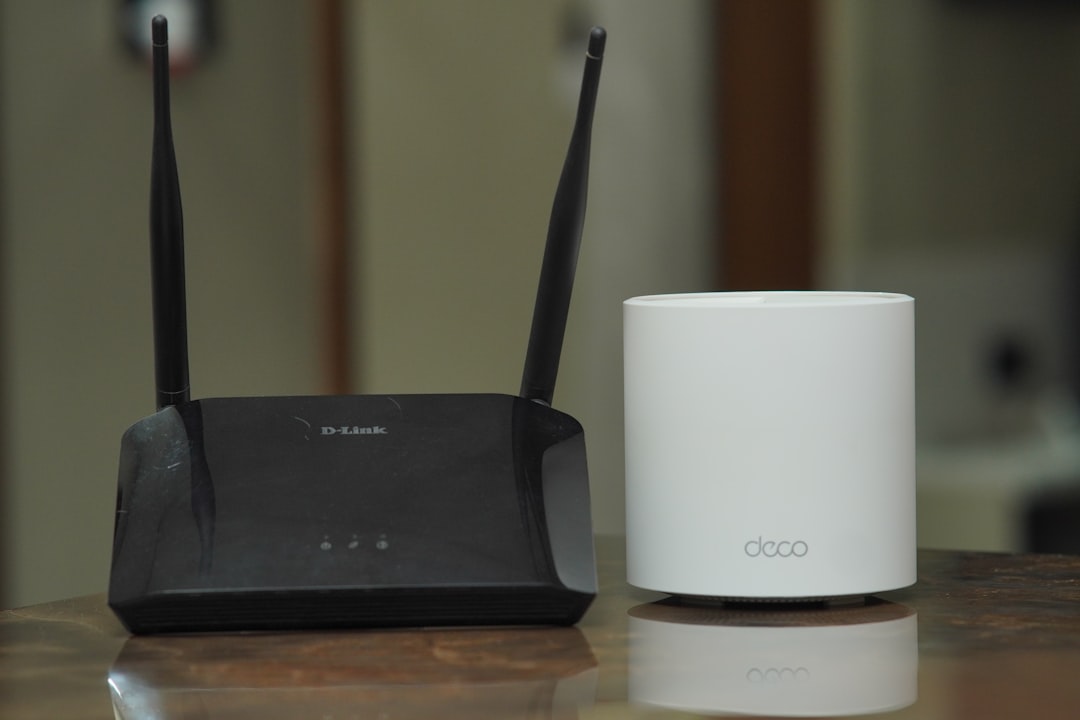
- A solid Online light usually indicates internet connectivity.
- A flashing light may signal a connection issue.
- No lights at all likely means a power problem.
If the modem appears offline, your phone service will not function until internet connectivity is restored.
Step 2: Restart Your Equipment
Restarting your devices is one of the most effective troubleshooting steps.
How to properly reboot your system:
- Unplug the modem’s power cord.
- Wait at least 60 seconds.
- Plug the modem back in.
- Allow 3–5 minutes for a full reconnection.
Once the modem is fully online and the indicator lights are stable, test your home phone again.
Why this works: A reboot clears temporary glitches, refreshes network registration, and restores VoIP connection to Spectrum’s servers.
Step 3: Check Phone Cables and Connections
Loose or disconnected wiring is another frequent cause of phone failure.
- Ensure the telephone cord is firmly connected to the modem’s TEL1 port.
- Check the cord between the wall jack and your phone base (if applicable).
- Inspect cables for visible damage or fraying.

If possible, replace the phone cord with a working spare to rule out cable damage.
Step 4: Test a Different Phone
Sometimes the issue lies with the telephone handset rather than the service itself.
- Plug a different corded phone directly into the modem.
- Avoid cordless base stations during testing.
- Listen for a dial tone.
If the replacement phone works, your original handset may need repair or replacement.
Step 5: Check for Service Outages
Local outages can temporarily interrupt Spectrum home phone service. These outages may result from:
- Infrastructure maintenance
- Weather-related damage
- Network upgrades
- Unexpected technical failures
You can verify outage status by:
- Logging into your Spectrum online account
- Using the Spectrum mobile app
- Contacting customer support
If there is a confirmed outage, restoration time estimates are typically provided.
Step 6: Check Your Internet Connection
Since Spectrum phone service relies on internet connectivity, verify that your internet connection is working.
- Attempt to browse a website.
- Run a speed test.
- Confirm that WiFi devices can connect.
If your internet is down, your phone line will not function. In this case, focus on restoring internet service first.
Step 7: Review Account and Billing Status
Although less common, service interruptions can occur if there are account-related issues.
- Log into your Spectrum account dashboard.
- Ensure your bill is current.
- Verify the phone service is active on your plan.
Administrative suspensions are typically accompanied by notifications, but it is worth confirming if other troubleshooting steps fail.
Advanced Troubleshooting Measures
If the above steps do not restore service, consider these additional checks.
Reset Your Modem to Factory Settings
Some modems include a reset button, often located on the back panel. Hold it down for about 10–15 seconds using a paperclip.
Important: Factory resets may erase custom network settings. Only perform this step if instructed by Spectrum support or as a last resort.
Check Battery Backup System
If your modem includes a battery backup for emergency use, ensure:
- The battery is properly installed.
- The battery is not expired.
- The backup system is functional.
Battery failure can prevent your phone service from operating during power fluctuations.
When to Contact Spectrum Support
If none of the troubleshooting steps restore service, it may indicate:
- A defective modem
- Line provisioning errors
- Signal strength problems
- Hardware compatibility issues
Contact Spectrum customer support with the following information ready:
- Your account number
- Description of troubleshooting steps already performed
- Status of modem indicator lights
- Duration of the issue
Technical support can perform remote diagnostics and determine whether a technician visit is required.
Special Considerations for Emergency Usage
Unlike traditional copper landlines, VoIP phone services do not work without power or internet. This is especially important during emergencies.
Consider the following precautions:
- Keep a fully charged mobile phone available.
- Install a battery backup for your modem.
- Regularly test emergency dialing functionality.
Understanding these limitations ensures you are prepared during unexpected service interruptions.
Preventing Future Spectrum Home Phone Issues
While not all service disruptions can be prevented, maintaining your equipment reduces the likelihood of recurring problems.
Best practices include:
- Keeping cables organized and secure
- Placing your modem in a well-ventilated area
- Updating equipment when advised by Spectrum
- Replacing aging phone handsets
- Monitoring for unusual modem light behavior

Routine care and awareness can significantly improve the reliability of your home phone service.
Final Thoughts
A non-working Spectrum home phone can feel alarming, particularly if you depend on it daily. However, most issues stem from simple connectivity or power disruptions that can be resolved within minutes. Methodically checking power, modem status, cable connections, and equipment functionality will often restore service quickly.
When basic troubleshooting does not solve the problem, Spectrum’s technical support team can conduct deeper diagnostics and arrange professional assistance if necessary. Taking a calm, step-by-step approach ensures you address the root cause efficiently and minimize downtime.
Reliable communication is essential. By understanding how your Spectrum home phone system operates and knowing how to respond when problems arise, you maintain greater control over your connection and peace of mind.