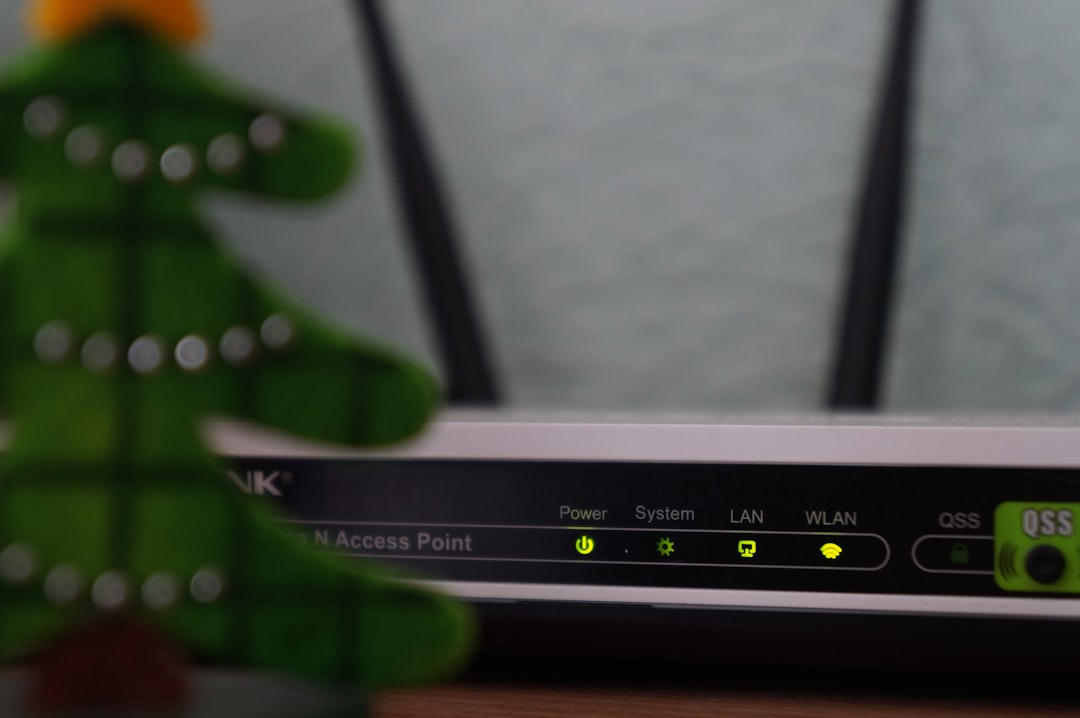
When you connect your phone to Wi-Fi at home, open your laptop at a café, or plug a desktop computer into an office network, everything seems to “just work.” Within seconds, you’re online. Behind the scenes, however, there’s a silent coordinator making that smooth connection possible. That coordinator is called a DHCP server—and it plays a crucial role in modern networking.
TL;DR: A DHCP server automatically assigns IP addresses and other network settings to devices so they can communicate on a network. Without it, every device would need manual configuration, which would be slow and error-prone. It works by temporarily leasing network information to devices when they connect. In homes and businesses, DHCP makes internet access simple, fast, and scalable.
What Is a DHCP Server?
DHCP stands for Dynamic Host Configuration Protocol. A DHCP server is a system—often built into your router—that automatically assigns IP addresses and other network configuration settings to devices on a network.
Think of it as a digital receptionist. When a new device joins the network, it asks, “Can I get the information I need to operate here?” The DHCP server responds with:
- An IP address
- A subnet mask
- A default gateway
- DNS server addresses
- A lease time (how long the device can use the IP)
Without these pieces of information, a device cannot properly communicate on a TCP/IP network—which includes the internet.
Why IP Addresses Matter
An IP address is like a home address for a device. It tells data where to go. When you load a website, your device sends a request from its IP address to the server that hosts the website. The server then sends data back to your IP address.
If two devices tried to use the same IP address on the same network, chaos would follow. Data could end up in the wrong place—or nowhere at all.
This is where DHCP saves the day: it ensures that every connected device gets a unique IP address.
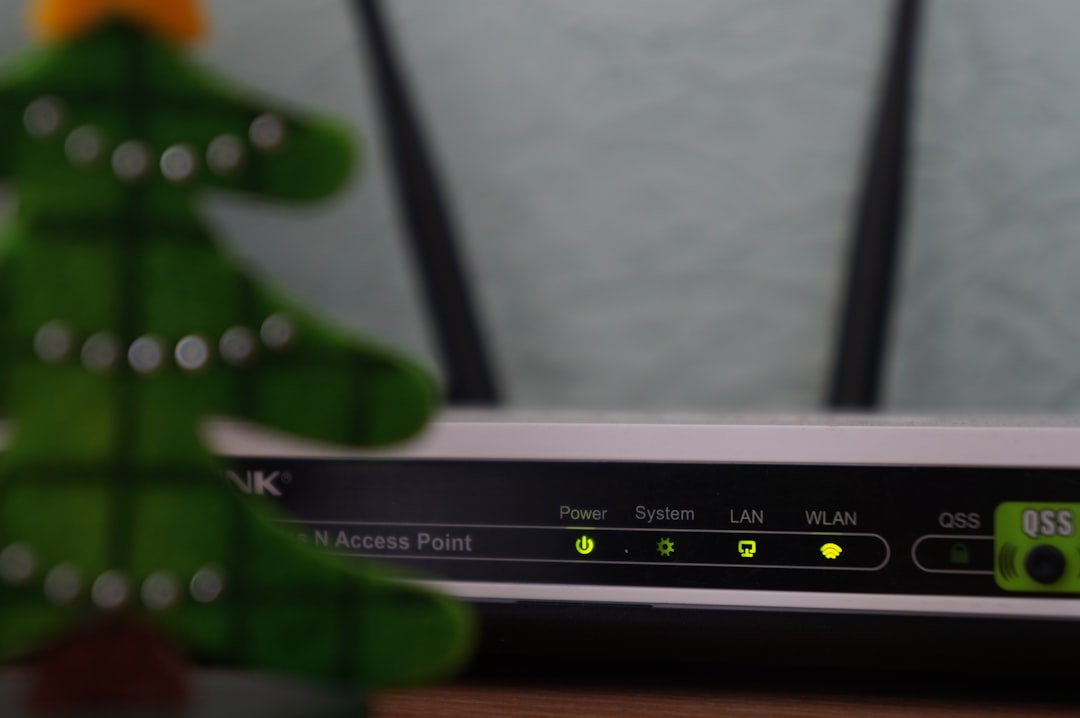
How a DHCP Server Works (In Simple Terms)
The DHCP process follows four basic steps, often remembered with the acronym DORA:
- Discover – A device broadcasts a message saying, “Is there a DHCP server out there?”
- Offer – The DHCP server responds with an available IP address.
- Request – The device requests to use the offered IP address.
- Acknowledge – The server confirms and leases the IP to the device.
This entire process happens in milliseconds. You don’t see it—but it happens every time you connect to a network.
Real-World Example #1: Your Home Wi-Fi
Imagine you have:
- 2 smartphones
- 1 laptop
- 1 smart TV
- 1 gaming console
- 1 smart thermostat
That’s six devices already—and many homes have far more.
Your home router acts as a DHCP server. When each device connects to your Wi-Fi, the router automatically assigns it an IP address like:
- 192.168.1.2
- 192.168.1.3
- 192.168.1.4
If DHCP didn’t exist, you would need to manually configure every device. You’d have to carefully ensure no two devices shared the same IP. For most people, that would be confusing and time-consuming.
Because of DHCP, it all happens automatically.
Real-World Example #2: A Busy Coffee Shop
Now consider a coffee shop offering free Wi-Fi.
On a busy afternoon, there might be:
- 30 customers
- Each with 1–3 devices
- Totaling 60+ devices
As customers enter and leave, devices constantly connect and disconnect. The DHCP server:
- Assigns temporary IP addresses when devices connect
- Reclaims and reuses those IP addresses when devices leave
- Prevents duplicate IP conflicts
This dynamic leasing system makes public Wi-Fi networks possible.

Lease Time: Why IP Addresses Aren’t Permanent
One important concept in DHCP is the lease time.
Instead of giving a device an IP address forever, the DHCP server assigns it for a specific period—such as:
- 1 hour
- 24 hours
- 7 days
When half the lease time passes, the device will attempt to renew it. If the device leaves the network and doesn’t return, the lease eventually expires and the IP address goes back into the available pool.
This system ensures efficient use of IP addresses, especially in environments with high turnover.
What Happens Without DHCP?
Without a DHCP server, networks would rely on static IP addressing. That means manually assigning IP settings to every device.
While this is manageable for:
- Very small networks
- Servers needing fixed IP addresses
It becomes a nightmare in larger environments.
Common problems without DHCP include:
- IP conflicts (two devices using the same address)
- Human configuration errors
- Time-consuming device setup
- Complex network management
In modern offices with hundreds or thousands of devices, DHCP isn’t just convenient—it’s essential.
Where Does the DHCP Server Live?
A DHCP server can exist in different forms:
1. Home Router
In most homes, the internet router contains a built-in DHCP server.
2. Business Server
In corporate networks, DHCP usually runs on a dedicated server (such as a Windows Server or Linux system).
3. Cloud-Based Network Systems
Enterprise environments may integrate DHCP services into centralized infrastructure.
Image not found in postmetaDHCP vs Static IP: Quick Comparison
| Feature | DHCP | Static IP |
|---|---|---|
| IP Assignment | Automatic | Manual |
| Configuration Effort | Minimal | High |
| Error Risk | Low | Higher |
| Best For | Homes, public networks, large offices | Servers, printers, critical devices |
| Scalability | Very scalable | Limited |
When Do You Actually Notice DHCP?
Most of the time, DHCP works silently. But you may notice it when something goes wrong.
Common scenarios include:
- Your device shows “Obtaining IP address”
- You receive an “IP conflict detected” error
- Your device gets a strange IP like 169.254.x.x (meaning DHCP failed)
Restarting your router often fixes DHCP-related issues because it resets the IP address pool.
Is DHCP Secure?
By itself, DHCP is not a security tool. It’s a convenience protocol.
However, network administrators can improve security by:
- Restricting MAC address access
- Segmenting networks
- Using DHCP snooping (on managed switches)
- Combining DHCP with strong Wi-Fi encryption
In enterprise environments, misconfigured DHCP can cause serious outages—so redundancy and failover systems are often used.
Why DHCP Is So Important in Today’s World
We now live in a world of:
- Smartphones
- Smart homes
- Internet of Things devices
- Remote work setups
- Cloud-based systems
Many households easily exceed 20 connected devices. Offices often manage thousands.
Without DHCP:
- Network expansion would be slow
- IT workloads would increase dramatically
- User experience would suffer
DHCP is one of those technologies that proves how powerful invisible infrastructure can be. You rarely think about it—but your digital life depends on it.
A Simple Analogy to Remember
Imagine a hotel.
- The hotel building is the network.
- The rooms are IP addresses.
- The front desk is the DHCP server.
When guests (devices) arrive, the front desk assigns them an available room (IP address). When they check out, the room becomes available for someone else.
Now imagine running a hotel where guests choose their own rooms without coordination. Chaos would follow. That’s what a network without DHCP would look like.
Final Thoughts
A DHCP server may not be glamorous, but it is foundational to how modern networks function. By automatically and intelligently assigning IP addresses, it removes complexity, prevents conflicts, and allows networks to scale effortlessly.
Whether it’s your living room Wi-Fi, a crowded airport hotspot, or a multinational corporate headquarters, DHCP ensures that devices can join, communicate, and function smoothly.
In a world where connectivity is no longer optional, DHCP is one of the quiet heroes keeping everything online.