
Modern devices depend on ports and cables more than many people realize. From charging smartphones and laptops to connecting keyboards, monitors, storage drives, cameras, and audio equipment, USB has become one of the most important connection standards in everyday technology. Among the most common options, USB-A and USB-C are often compared because they look different, perform differently, and support different generations of devices.
TLDR: USB-A is the older, rectangular USB connector that has been widely used for computers, chargers, flash drives, and accessories for decades. USB-C is the newer, smaller, reversible connector that can support faster data transfer, higher charging power, video output, and broader device compatibility. While USB-A remains useful for older accessories, USB-C is becoming the standard for modern phones, laptops, tablets, and peripherals.
What Is USB-A?
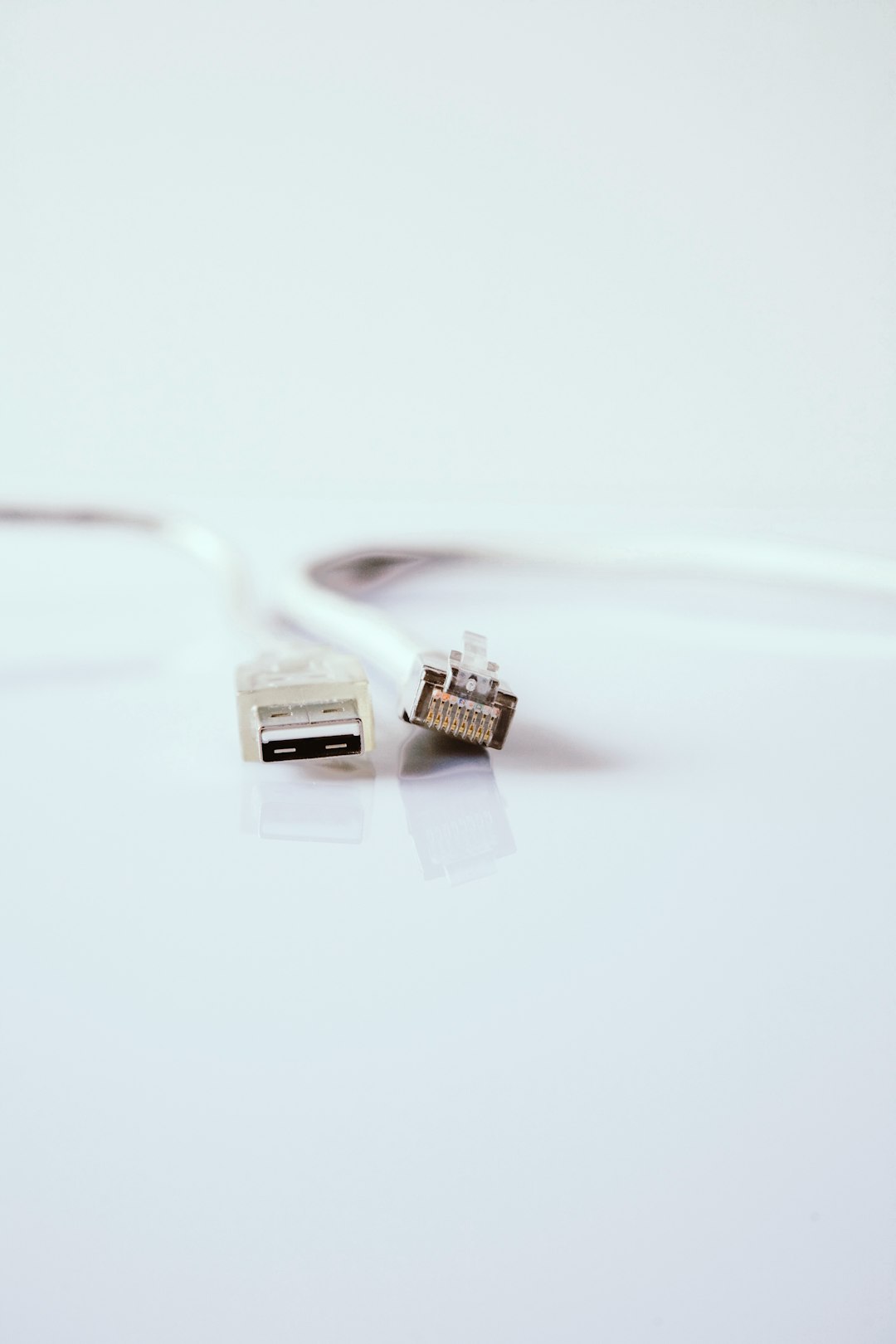
USB-A is the classic USB connector most people recognize. It has a flat, rectangular shape and is commonly found on desktop computers, older laptops, wall chargers, power banks, game consoles, televisions, and car chargers. For many years, USB-A served as the default connector for plugging in peripherals such as mice, keyboards, printers, external hard drives, webcams, and flash drives.
One of the defining features of USB-A is that it is not reversible. The connector only fits into a port one way, which is why many users have experienced the familiar need to flip the plug before inserting it correctly. Despite this inconvenience, USB-A became popular because it was durable, inexpensive, and widely supported across a huge range of devices.
USB-A can support several USB standards, including USB 2.0, USB 3.0, USB 3.1, and USB 3.2, depending on the hardware. However, the connector shape itself does not guarantee speed. A USB-A port on an older computer may be much slower than a USB-A port on a newer machine.
What Is USB-C?
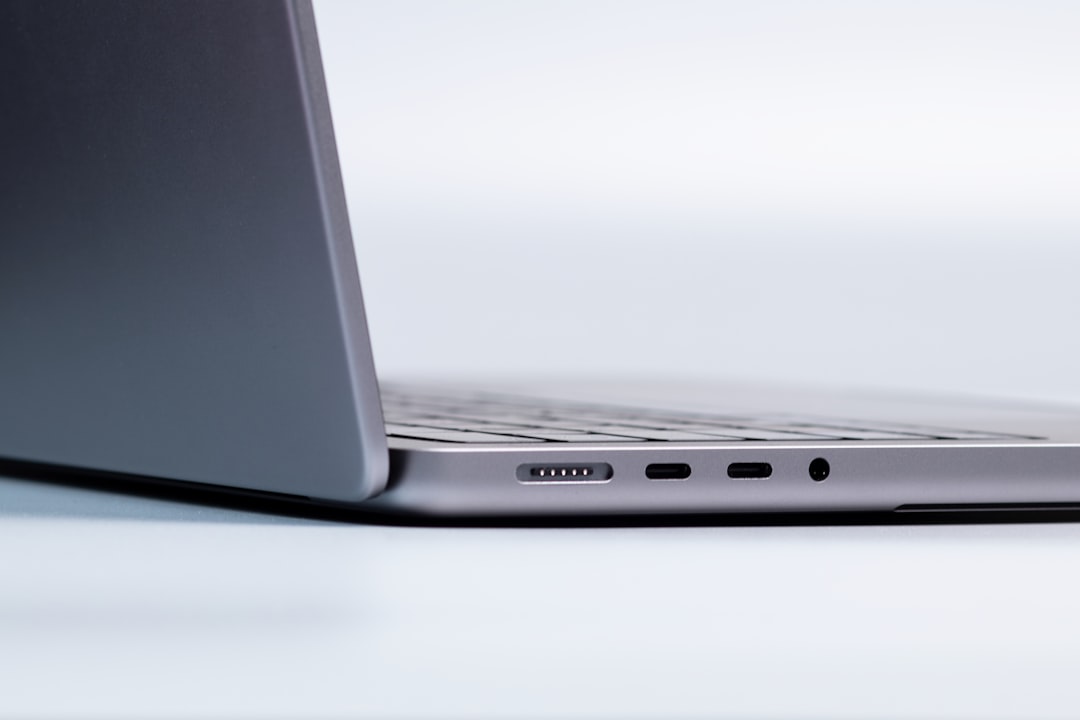
USB-C is the newer, oval-shaped USB connector designed to replace several older connector types. It is smaller than USB-A and, most importantly, reversible. This means it can be plugged in either way, making it more convenient and user-friendly.
USB-C is now common on modern smartphones, tablets, laptops, gaming handhelds, headphones, docking stations, monitors, and external storage devices. Many manufacturers have adopted USB-C because it can do more than simply transfer files. Depending on the device and cable, USB-C can support fast charging, high-speed data transfer, video output, and even audio transmission.
Another major advantage of USB-C is its ability to work with advanced technologies such as USB Power Delivery, Thunderbolt, and DisplayPort Alt Mode. These features allow a single USB-C cable to charge a laptop, connect to an external display, transfer large files, and communicate with high-performance accessories.
Connector Design and Ease of Use
The most obvious difference between the two connectors is their physical design. USB-A is larger and rectangular, while USB-C is smaller, rounded, and symmetrical. This design difference affects convenience in everyday use.
- USB-A: Larger, one-directional, and common on older devices.
- USB-C: Smaller, reversible, and common on newer devices.
For users who frequently plug and unplug devices, USB-C offers a clear advantage. Its reversible design reduces frustration, especially in low-light environments or tight spaces behind desks and entertainment centers. USB-A, however, remains easy to identify and is still useful for standard accessories that do not require advanced performance.
Charging Differences
Charging performance is one of the most important differences between USB-A and USB-C. Traditional USB-A chargers typically provide limited power, often enough for smartphones, wireless earbuds, fitness trackers, or small accessories. However, they are usually not powerful enough to efficiently charge modern laptops or tablets.
USB-C, especially when paired with USB Power Delivery, can deliver much higher power levels. Some USB-C chargers can provide 30 watts, 65 watts, 100 watts, or more, depending on the charger, cable, and device. This makes USB-C suitable for charging smartphones, tablets, laptops, handheld gaming devices, and even some monitors.
It is important to note that not every USB-C cable or charger supports the same wattage. A low-quality or basic USB-C cable may charge slowly, while a certified high-power cable may support fast charging for demanding devices. Therefore, cable quality and charger specifications matter.
Data Transfer Speeds
USB-A and USB-C can both support different data transfer speeds, but USB-C is more commonly associated with the newest and fastest standards. The connector type alone does not determine speed; the USB version behind the port is what matters.
Common USB speeds include:
- USB 2.0: Up to 480 Mbps, often used for basic accessories.
- USB 3.0 / USB 3.1 Gen 1: Up to 5 Gbps, common for external drives and faster peripherals.
- USB 3.1 Gen 2: Up to 10 Gbps, useful for large file transfers.
- USB 3.2: Up to 20 Gbps in some configurations.
- USB4: Up to 40 Gbps or more, usually using USB-C connectors.
USB-A ports can support fast speeds up to certain USB 3.x standards, but they are not used for USB4. USB-C is the preferred connector for high-performance data transfer, especially with external solid-state drives, professional video equipment, and docking stations.
Video and Display Support
USB-A generally does not natively support video output. While special USB-A display adapters exist, they rely on extra hardware and software to convert signals. These adapters can be useful for basic office setups, but they are not as direct or capable as USB-C display connections.
USB-C can support video through features such as DisplayPort Alt Mode, HDMI Alt Mode, and Thunderbolt. This means a compatible USB-C port can connect directly to an external monitor, projector, or docking station. Many modern laptops use USB-C ports for multi-monitor setups, high-resolution displays, and workstation docks.
This versatility is one reason USB-C has become popular among professionals, students, and remote workers. A single USB-C cable can connect a laptop to a monitor, provide power, transfer data, and link multiple accessories through a dock.
Compatibility With Older and Newer Devices
USB-A has a major advantage in legacy compatibility. Many existing accessories still use USB-A, including flash drives, keyboards, mice, printers, microphones, and older charging cables. Offices, schools, and homes often have many USB-A devices still in service.
USB-C, on the other hand, has become the preferred option for newer devices. Most modern Android phones, many tablets, current laptops, portable SSDs, and newer accessories now rely on USB-C. Some manufacturers have removed USB-A ports entirely from slim laptops and tablets to save space and encourage a more universal connection standard.
For this reason, adapters and hubs are common. A USB-C to USB-A adapter allows older accessories to connect to newer computers, while a USB-A to USB-C cable can help older chargers power newer devices, though often at slower charging speeds.
Cable Confusion: Not All USB-C Cables Are Equal
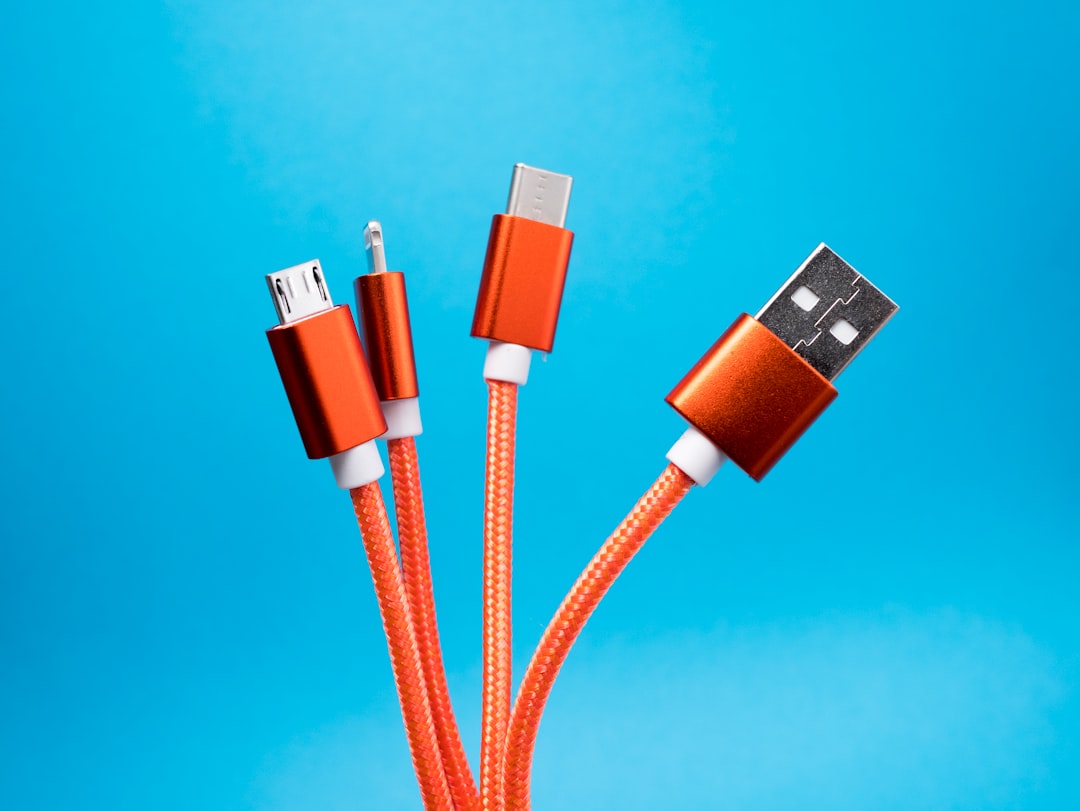
One of the biggest challenges with USB-C is that cables can look identical while supporting very different features. One USB-C cable may only support slow charging and USB 2.0 data speeds, while another may support 100-watt charging, 40 Gbps transfers, and video output.
Consumers should check cable specifications before buying. Important details include:
- Charging wattage: Determines how much power the cable can safely carry.
- Data speed: Indicates how quickly files can transfer.
- Video support: Needed for connecting displays through USB-C.
- Certification: Helps indicate safety and performance reliability.
USB-A cables can also vary, but the range of features is usually simpler. A USB-A cable may be designed for charging only, slow data, or faster USB 3.x performance. However, USB-C has a broader feature set, which makes careful selection more important.
Durability and Everyday Use
Both USB-A and USB-C connectors are designed for repeated use, but USB-C has a more modern design intended for frequent plugging and unplugging. Its smaller, reversible shape reduces stress caused by incorrect insertion. However, because USB-C ports are compact, dust and lint can sometimes accumulate inside, especially on smartphones carried in pockets.
USB-A ports are physically larger and often feel sturdy. They are common on desktop computers and stationary equipment where space is less of a concern. In rugged environments, USB-A may still be preferred for simple accessories because it is familiar and easy to replace.
Which One Is Better?
In most modern situations, USB-C is the better and more future-ready option. It supports reversible plugging, higher charging power, faster data transfer, video output, and compatibility with newer standards. It is especially useful for smartphones, laptops, tablets, external SSDs, monitors, and docking stations.
However, USB-A is not obsolete. It remains valuable for older devices, basic accessories, and environments with existing equipment. A keyboard or mouse does not usually need the advanced capabilities of USB-C, and many USB-A accessories continue to work perfectly well.
The best choice depends on the device and use case. For a new laptop, phone, or high-speed drive, USB-C is usually preferable. For legacy accessories, simple charging, and older computers, USB-A still has a practical role.
Buying Tips for Cables, Chargers, and Adapters
Before purchasing USB accessories, buyers should consider what the cable or adapter needs to do. A cable used only for charging earbuds does not need the same specifications as a cable used to power a laptop or connect a 4K monitor.
- For fast charging: Look for USB-C Power Delivery support and the correct wattage.
- For laptops: Choose a charger and cable rated for the laptop’s power requirements.
- For external storage: Check the data speed rating, especially for SSDs.
- For monitors: Confirm that the USB-C port and cable support video output.
- For older accessories: Use reliable USB-C hubs or USB-A adapters.
Quality also matters. Poorly made cables can cause slow charging, unstable connections, overheating, or device compatibility problems. Reputable cables and chargers with clear specifications are usually worth the investment.
The Future of USB
The technology industry is moving steadily toward USB-C. Many newer devices already use it as the primary or only port. Its ability to combine power, data, audio, and video into one compact connector makes it ideal for thinner devices and simplified workspaces.
USB-A will likely remain in use for years because of the enormous number of existing devices and accessories. However, its role is gradually shifting from the main standard to a legacy connection. Over time, USB-C is expected to become even more dominant across consumer electronics, professional equipment, and charging infrastructure.
FAQ
Is USB-C faster than USB-A?
USB-C can be faster, but speed depends on the USB standard supported by the port and cable. USB-C is commonly used with newer, faster standards such as USB 3.2, USB4, and Thunderbolt, while USB-A is more commonly associated with older or mid-range speeds.
Can USB-A charge USB-C devices?
Yes. A USB-A to USB-C cable can charge many USB-C devices, including phones and accessories. However, charging is often slower than with a proper USB-C Power Delivery charger.
Why is USB-C reversible?
USB-C was designed with a symmetrical connector, allowing it to fit into a port in either orientation. This improves convenience and reduces the common problem of inserting the cable the wrong way.
Does every USB-C cable support video?
No. Some USB-C cables only support charging and basic data transfer. For video output, the cable and device must support the required video feature, such as DisplayPort Alt Mode or Thunderbolt.
Is USB-A going away?
USB-A is becoming less common on new slim devices, but it is not disappearing immediately. Many computers, chargers, accessories, and industrial devices still use USB-A, so it will remain useful for years.
Which connector should most people choose?
For new devices and future compatibility, USB-C is usually the better choice. For older accessories and simple peripherals, USB-A remains practical and widely supported.