
Few things ruin your deep learning mood faster than seeing this scary line flash across your screen: “CUDA error: device-side assert triggered.” Your model crashes. Your notebook freezes. And suddenly you are questioning all your life choices.
Relax. This error sounds dramatic. But it is usually simple. In this article, we will break it down in plain English. No rocket science. Just clear steps and quick fixes.
TLDR: The CUDA device-side assert triggered error usually happens because your model is receiving invalid input, often wrong labels or out-of-range indices. It can also appear due to tensor shape mismatches or incorrect data types. The fastest fixes are: check your labels, run your code on CPU to get a clearer error message, and validate tensor shapes before training. Most of the time, the problem is small but hidden.
What Is a CUDA Device-Side Assert?
Let’s keep it simple.
CUDA is what lets your GPU do heavy math for deep learning. It runs your model code in parallel. It is fast. Very fast.
A device-side assert is like a built-in safety alarm inside the GPU. When something illegal happens, the GPU stops everything. Immediately.
Think of it like this:
- You hired a super smart assistant. That is your GPU.
- You give it instructions.
- If your instructions make no sense, it shouts and leaves.
That shout is the error.
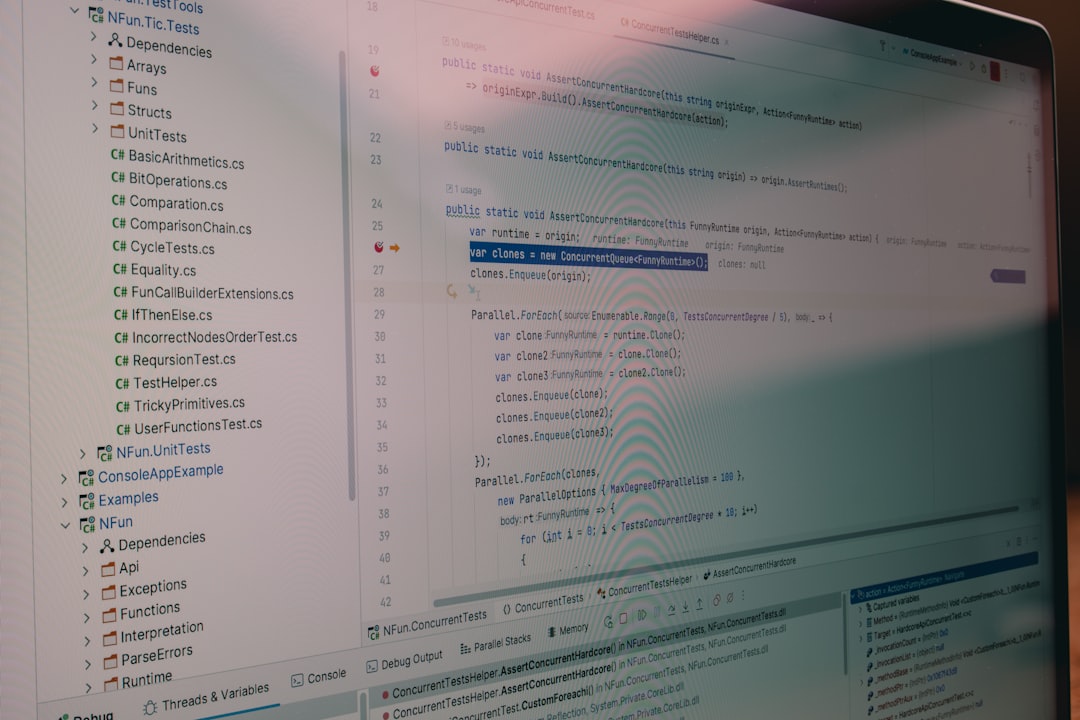
The problem? CUDA errors are not always clear. They often appear far away from the real issue. So debugging feels confusing.
Why This Error Is So Annoying
This error has two frustrating traits:
- It crashes your runtime.
- It hides the real stack trace.
Once triggered, your GPU context may become unstable. You often need to restart your notebook or script.
That is why quick detection matters.
The Most Common Causes
Let’s look at what usually triggers this error.
1. Labels Out of Range
This is the number one cause.
If you are using CrossEntropyLoss in PyTorch, your labels must be:
- Integers
- Between
0andnum_classes - 1
If your model has 5 classes, valid labels are:
0, 1, 2, 3, 4
If your dataset contains a 5, boom. Assert triggered.
Even worse, sometimes labels start at 1 instead of 0. That single shift is enough to break everything.
2. Wrong Tensor Shapes
Shape mismatches can also cause GPU asserts.
Examples:
- Prediction shape does not match label shape
- Flattening mistakes before linear layers
- Incorrect reshaping
If CUDA expects one thing but gets another, it complains loudly.
3. Invalid Indexing
This often happens in:
- Embedding layers
- Index selection operations
- Custom loss functions
If you try to access an index that does not exist, the GPU stops instantly.
For example:
If your embedding layer has vocabulary size 10, valid indices are 0–9. If a token equals 10, crash.
4. Data Type Problems
Some losses expect:
LongTensorfor labelsFloatTensorfor predictions
If you mix them incorrectly, asserts may trigger.
3 Quick Solutions That Actually Work
Now for the good part.
Here are three fast fixes that solve most cases.
Solution 1: Run the Model on CPU First
This is the simplest trick.
Move your model and tensors to CPU:
- Remove
.cuda() - Or change device to
cpu
Why?
Because CPU errors are clearer. They show the real stack trace. CUDA hides it.
On CPU, you might see something like:
IndexError: Target 5 is out of bounds.
That message is gold.
Once you find the issue, fix it. Then move back to GPU.
This trick alone solves a huge percentage of cases.

Solution 2: Validate Your Labels
Always check your labels before training.
Add a few simple debug prints:
- Print minimum label value
- Print maximum label value
- Print number of classes
Example logic:
- Minimum label should be 0
- Maximum label should be num_classes – 1
If you find labels starting at 1, fix them:
labels = labels - 1
Also check for strange values like:
- -1
- 999
- NaN
Sometimes corrupted data sneaks in.
Solution 3: Add Shape and Assert Checks
Be proactive.
Add manual checks in your training loop:
- Print tensor shapes
- Use assert statements
- Confirm output dimension equals number of classes
For example, if your final layer outputs shape:
[batch_size, 10]
Then your dataset must have exactly 10 classes.
Also confirm label shape is:
[batch_size]
Not:
[batch_size, 1] (unless required)
Small mismatches cause big drama.
Quick Comparison of the 3 Fixes
| Solution | Difficulty | Speed | Best For |
|---|---|---|---|
| Run on CPU | Very Easy | Fast | Finding hidden error messages |
| Validate Labels | Easy | Very Fast | Classification problems |
| Check Tensor Shapes | Moderate | Medium | Custom models and layers |
Bonus Tips to Prevent Future Headaches
Use Small Test Batches
Before training full scale, try:
- One batch
- Two forward passes
- No full epoch yet
Errors appear faster this way.
Enable CUDA Launch Blocking
You can force synchronous error reporting by setting:
CUDA_LAUNCH_BLOCKING=1
This makes CUDA errors more accurate. It slows performance. But debugging becomes easier.
Check Embedding Layers Carefully
If you use NLP models, this is critical.
- Confirm vocabulary size
- Confirm max token index
- Handle unknown tokens properly
Embedding errors are very common.
A Simple Mental Checklist
Next time you see the error, ask yourself:
- Are my labels within valid range?
- Do output dimensions match class count?
- Are tensor shapes correct?
- Does CPU mode show a clearer error?
In most cases, the answer to one of these questions solves everything.
Final Thoughts
The CUDA device-side assert triggered error is not a monster. It just looks scary.
Behind the scenes, it usually means:
“Hey, something about your inputs does not make sense.”
That is it.
No GPU conspiracy. No broken hardware.
Just mismatched labels, shapes, or indices.
If you remember one thing, remember this:
When CUDA crashes, check your data first.
Data issues cause most deep learning problems.
Fix the basics. Validate early. Print shapes often.
And when in doubt?
Switch to CPU. Read the real error. Smile. Fix it.
Then go back to training like a pro.