Running a hotel website should feel exciting. Not overwhelming. Your WordPress hotel booking plugin is powerful. But out of the box, it may feel generic. A few smart customizations can turn it into a smooth, guest-friendly booking machine. And the best part? You don’t need to be a tech wizard to make it happen.
TLDR: Customizing your WordPress hotel booking plugin improves user experience and increases direct bookings. Focus on simplifying the booking process, improving design, optimizing for mobile, and building trust. Small tweaks like clearer buttons, better room photos, and fewer booking steps make a big difference. A smooth experience = happier guests and more revenue.
Why UX Matters More Than You Think
User experience (UX) is how easy and enjoyable your website feels. If guests get confused, they leave. If they get frustrated, they book elsewhere.
Travelers want:
- Speed
- Clarity
- Trust
- Simplicity
Your booking plugin should support all four. Every click should feel natural. Every page should answer questions before guests even ask.
Good UX is invisible. Bad UX is unforgettable.
Start With a Clean Booking Flow
The booking process is the heart of your hotel website. If it feels complicated, you lose bookings.
Ask yourself:
- How many steps does it take to complete a booking?
- Is pricing clear from the beginning?
- Are there unnecessary fields in the form?
Many plugins allow you to remove or rearrange fields. Use that power.
Keep only what you truly need.
For example, do you really need:
- Fax number?
- Company address for leisure travelers?
- Multiple phone numbers?
Probably not.
The shorter the form, the higher the completion rate. It’s that simple.

Match the Plugin Design to Your Brand
Nothing screams “generic website” like a booking form that doesn’t match your theme.
Most WordPress hotel booking plugins let you customize:
- Colors
- Fonts
- Button styles
- Layouts
Use your brand colors. Keep typography consistent. Make buttons bold and easy to spot.
Your “Book Now” button should stand out. It should not hide in the background.
Good button tips:
- Use action words like Reserve Your Stay
- Make the button large enough for mobile tapping
- Add contrasting colors
A consistent design builds trust. And trust drives bookings.
Improve Room Presentation
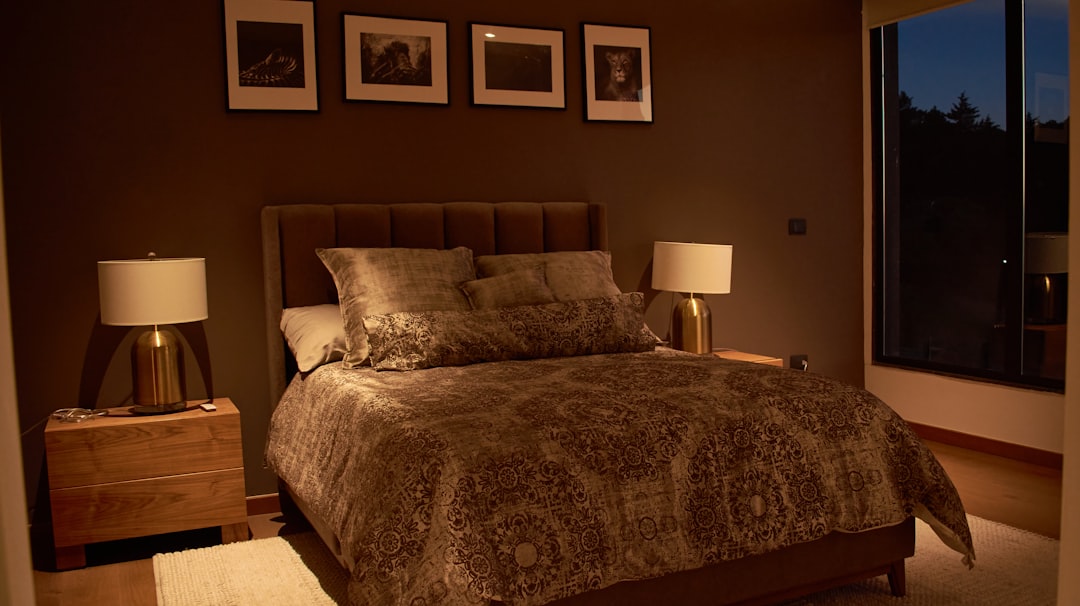
Your rooms sell the experience. Not the plugin.
Customize your room listing pages to make them irresistible.
Add:
- High-quality photos
- Short, benefit-driven descriptions
- Clear pricing per night
- Bullet-point amenities
Avoid long paragraphs. Guests scan. They don’t read novels.
Instead of writing:
This spacious room offers a comfortable environment suitable for relaxation and business travelers alike…
Try:
- King-size bed
- City view balcony
- Fast WiFi
- Free breakfast
Clear beats clever.
Make Pricing Crystal Clear
Hidden fees are booking killers.
Customize your plugin settings to:
- Show total price upfront
- Display taxes clearly
- Explain extra fees
- Highlight free cancellation (if offered)
If guests feel surprised at checkout, they abandon the cart.
Transparency builds confidence.
You can also add small tooltips next to pricing. A simple “?” icon that explains fees can reduce confusion instantly.
Optimize for Mobile First
More than half of hotel bookings happen on mobile devices.
Open your website on your phone. Try booking a room. Is it easy?
Check for:
- Buttons that are too small
- Hard-to-read text
- Popups that block the screen
- Slow loading times
Most plugins offer mobile responsiveness. But you may need to tweak spacing and sizing.
Big thumbs need big buttons.
Also consider:
- Simplified date pickers
- Auto-fill for guest details
- Minimal typing
The less effort required, the better.
Use Smart Defaults
Small psychological tricks can improve UX.
For example:
- Preselect today’s date
- Set default stay to 1 or 2 nights
- Auto-calculate best available rate
This reduces decision fatigue.
People love when the system helps them.
But don’t overdo it. Always allow guests to easily modify selections.
Add Trust Signals Inside the Booking Flow
A guest is about to enter credit card details. This is a sensitive moment.
Your booking page should feel secure and professional.
Add:
- SSL badge
- Secure payment icons
- Short reassurance text like Your data is protected
- Guest reviews near the booking button
Many WordPress plugins allow shortcodes or widget areas. Use them to insert trust-building elements.
Trust removes hesitation.
Offer Extras the Smart Way
Extras are great for revenue. But don’t overwhelm users.
Optional add-ons might include:
- Airport pickup
- Breakfast upgrade
- Spa access
- Late checkout
Customize how these appear.
Tips:
- Use checkboxes instead of complicated dropdowns
- Add short explanations
- Show price changes instantly
Instant price updates are powerful. They avoid surprise costs later.
Improve Speed and Performance
Speed is UX.
If your booking page takes five seconds to load, guests leave.
To optimize:
- Use a caching plugin
- Compress images
- Choose quality hosting
- Keep your booking plugin updated
Also remove unused add-ons and extensions. Extra features can slow things down.
Fast websites feel professional. Slow ones feel risky.
Personalize the Confirmation Page
Booking confirmation is not the end. It’s the start of the guest relationship.
Most plugins allow you to customize confirmation messages.
Instead of:
Your booking has been received.
Try:
We can’t wait to welcome you!
Add helpful information:
- Check-in time
- Google Maps link
- Contact phone number
- What to expect next
You can also suggest:
- Local attractions
- Restaurant reservations
- Tour packages
A simple custom message feels warm and human.
Test Everything Like a Guest
This is the most overlooked step.
Do a full test booking every month.
Pretend you have never seen the website before.
Ask:
- Was anything confusing?
- Did I hesitate at any point?
- Did something feel slow?
Better yet, ask a friend to test it. Fresh eyes see problems faster.
You can also use heatmap tools. They show where users click. And where they stop scrolling.
UX improvement is ongoing. Not one-time.
Keep It Simple. Always.
It’s tempting to use every feature your plugin offers.
Multiple currencies. Advanced filters. Complex seasonal pricing displays.
But complexity is the enemy of conversions.
When customizing your WordPress hotel booking plugin, remember:
- Clarity beats creativity
- Speed beats decoration
- Confidence beats clever design
Your goal is not to impress. Your goal is to convert visitors into guests.
Every customization should answer one question:
Does this make booking easier?
Final Thoughts
Your WordPress hotel booking plugin is more than a tool. It’s your digital front desk.
When customized well, it feels helpful. Friendly. Effortless.
Small changes can produce big results:
- Fewer abandoned bookings
- Higher guest satisfaction
- Stronger brand trust
- More direct revenue
Start simple. Adjust step by step. Test often.
Because at the end of the day, the best booking experience is one your guests barely notice.
It just works.