In a world where first impressions often happen in seconds, a well-designed business card can still make a lasting impact—even in our increasingly digital age. Thankfully, you no longer need graphic design skills or a big budget to create professional-looking cards. A wide range of free business card maker platforms now allow entrepreneurs, freelancers, and small businesses to design, customize, and sometimes even print business cards at no cost.
TLDR: Free business card maker platforms offer an easy, low-cost way to create professional designs. Canva, Adobe Express, VistaCreate, and a few others stand out for their templates and ease of use, though free versions often come with limitations. The best choice depends on whether you value advanced design features, printing options, or digital sharing. Overall, these tools are ideal for startups, freelancers, and anyone testing a brand identity.
Why Use a Free Business Card Maker?
Before comparing platforms, it helps to understand why free business card makers have become so popular. Traditional design software can be expensive and complex, while hiring a designer is not always feasible for new businesses. Free platforms remove these barriers.
- Cost savings: Ideal for startups and solo professionals.
- Ease of use: Drag-and-drop editors require little experience.
- Speed: Designs can be completed in minutes.
- Consistency: Templates help maintain brand alignment.
However, “free” often comes with trade-offs such as platform watermarks, limited templates, or restricted downloads. Understanding these limitations is key when choosing the right tool.
Key Features to Compare
Not all platforms are created equal. When evaluating a free business card maker, pay attention to the following core features:
- Template variety – Are there modern and industry-specific designs?
- Customization – Can you change fonts, colors, and layouts freely?
- Brand assets – Does the platform support logo uploads?
- Export options – Can you download high-resolution files without paying?
- Print integration – Is professional printing offered or required?
These criteria will guide the comparison of the most popular free platforms below.
Canva: The Crowd Favorite
Canva is often the first name mentioned when people talk about free design tools, and for good reason. Its business card maker is both powerful and beginner-friendly.
Canva offers thousands of templates, many of which are available on the free plan. Users can easily adjust colors, fonts, and layouts, as well as upload their own logos and images.
Pros:
- Huge template library
- Intuitive editor
- Free downloads in standard formats
Cons:
- Some premium elements require payment
- Advanced branding tools are locked behind Pro
Overall, Canva is an excellent choice for users who want creative freedom without complexity.
Adobe Express: Professional polish for free
Adobe Express (formerly Adobe Spark) brings the credibility of Adobe’s design ecosystem into a simplified, web-based tool. It is aimed at users who want sleek, professional results.
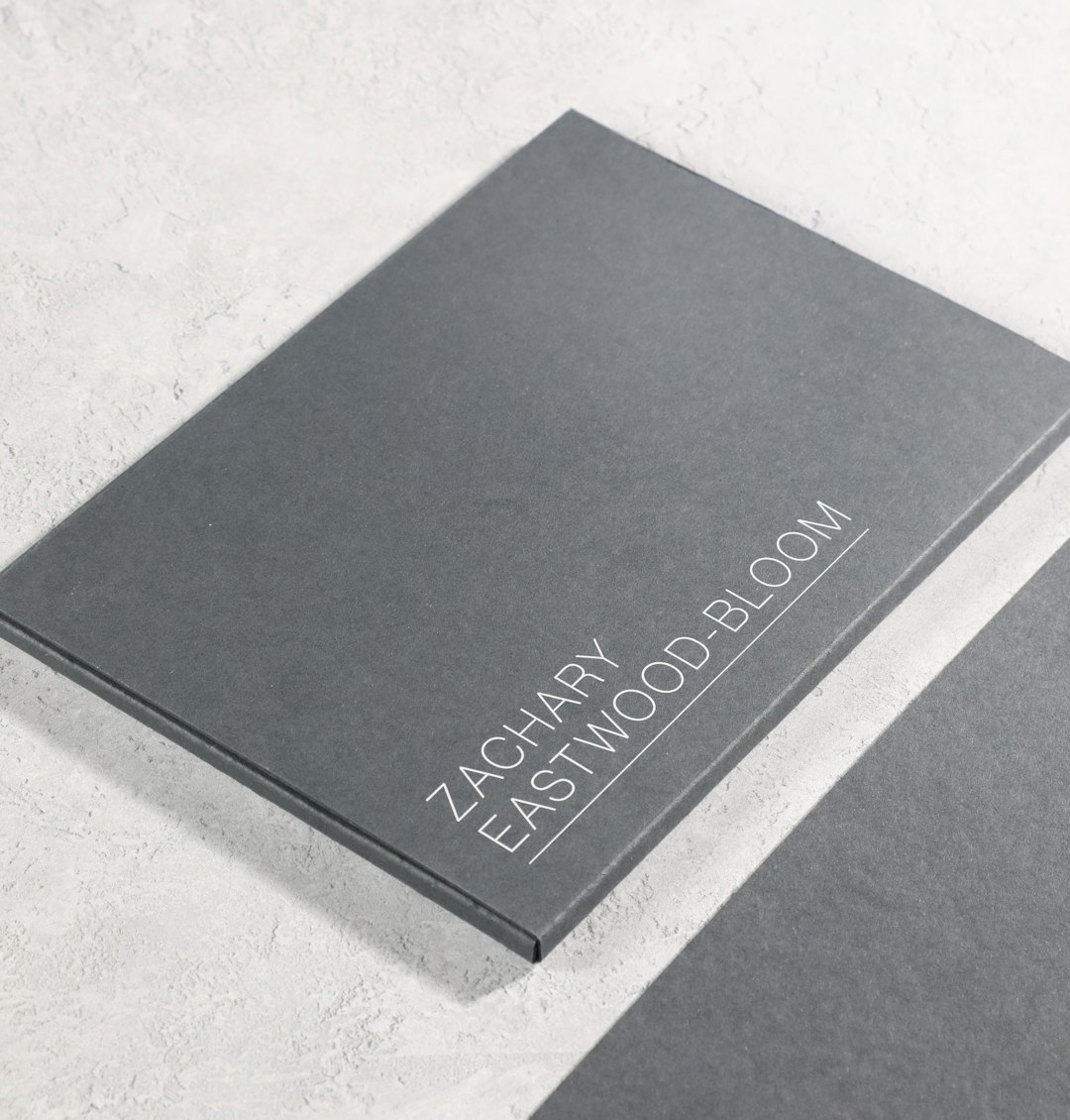
While Adobe Express has fewer templates than Canva, the designs tend to be more refined. The free plan allows logo uploads, font changes, and basic customization.
Pros:
- High-quality, professional templates
- Strong typography tools
- Integration with Adobe branding
Cons:
- Smaller template selection
- Some export options are limited
This platform is ideal for consultants and professionals who want a clean, minimalist look.
VistaCreate: Template-driven simplicity
VistaCreate (formerly Crello) is another popular design tool that emphasizes quick results and visually appealing templates. Its business card maker is straightforward and efficient.
The platform offers a respectable number of free templates and design elements. Customization is easy, though somewhat less flexible than Canva.
Pros:
- Modern templates
- Quick learning curve
- Free downloads without watermarks
Cons:
- Fewer advanced customization tools
- Smaller asset library in the free version
VistaCreate works well for users who want a fast, no-fuss way to create visually appealing business cards.
Moo and Vistaprint: Design-first, print-focused
Moo and Vistaprint are best known as printing services, but they also provide free business card design tools. These platforms blur the line between design software and print provider.
Image not found in postmetaTheir editors are easy to use, but free access usually focuses on the design stage. Ordering printed cards almost always comes with a cost.
Pros:
- Designs optimized for printing
- Professional finish options
- Trusted print quality
Cons:
- Limited free downloads
- Print orders can be expensive
These platforms are a good fit if your ultimate goal is high-quality printed cards rather than digital sharing.
Digital-first alternatives
While not traditional business card makers, platforms like HiHello and similar apps offer free digital business cards. These are especially relevant in networking environments where QR codes and phone sharing are common.
- No printing required
- Easy updates to contact information
- Environmentally friendly
However, they lack the tactile impact of printed cards and may not suit every industry.
Which platform is best for you?
Choosing the right free business card maker depends on your priorities:
- Maximum creativity: Canva
- Professional minimalism: Adobe Express
- Speed and simplicity: VistaCreate
- Print-focused results: Moo or Vistaprint
- Digital networking: Digital card platforms
If you are experimenting with branding, it may even be worth trying multiple platforms before committing to one design.
Final thoughts
Free business card maker platforms have leveled the playing field for professionals at every stage. While each tool has limitations, they collectively provide impressive value at zero cost. By understanding what each platform does best, you can choose one that aligns with your brand, budget, and networking style—and create a business card that truly represents you.