
Creating cinematic animation with AI has moved from experimental novelty to professional-grade workflow, and Runway Gen-3 is at the forefront of that evolution. Filmmakers, content creators, and digital artists are now using text-to-video tools to produce visually rich narratives that once required full production crews. However, producing truly cinematic results with Runway Gen-3 requires more than typing a simple prompt and pressing generate. Success depends on storytelling clarity, visual direction, and understanding how to guide the AI effectively.
TLDR: Runway Gen-3 can produce stunning cinematic videos, but quality depends on thoughtful prompting and creative direction. Users should focus on detailed scene descriptions, camera language, lighting control, and consistent style references. Breaking scenes into sequences improves narrative flow and visual cohesion. By treating Gen-3 like a digital cinematography tool rather than a shortcut generator, creators can achieve professional-level results.
Below are five powerful tips to elevate any Runway Gen-3 text-to-video project into something that feels intentional, immersive, and truly cinematic.
1. Write Prompts Like a Director, Not a User
The foundation of cinematic output begins with the prompt. Many beginners make the mistake of writing short, generic descriptions such as “a man walking in the rain”. While Gen-3 may generate a usable clip, it will likely lack mood, tension, or narrative depth.
Instead, prompts should reflect the way a director communicates with a film crew. That means including:
- Subject details (appearance, emotion, movement)
- Environment (time of day, weather, setting texture)
- Lighting style (moody backlight, golden hour glow, neon reflections)
- Camera language (slow dolly in, handheld tracking shot, wide cinematic frame)
- Tone references (gritty realism, dreamlike, futuristic dystopia)
For example, instead of a basic prompt, a cinematic version might read:
“A lone detective walks through a rain soaked alley at night, neon signs reflecting on wet pavement, cinematic low angle tracking shot, dramatic rim lighting, shallow depth of field, noir atmosphere.”
This level of specificity gives Gen-3 creative constraints to work within. The result is footage that feels staged with intention rather than randomly assembled.
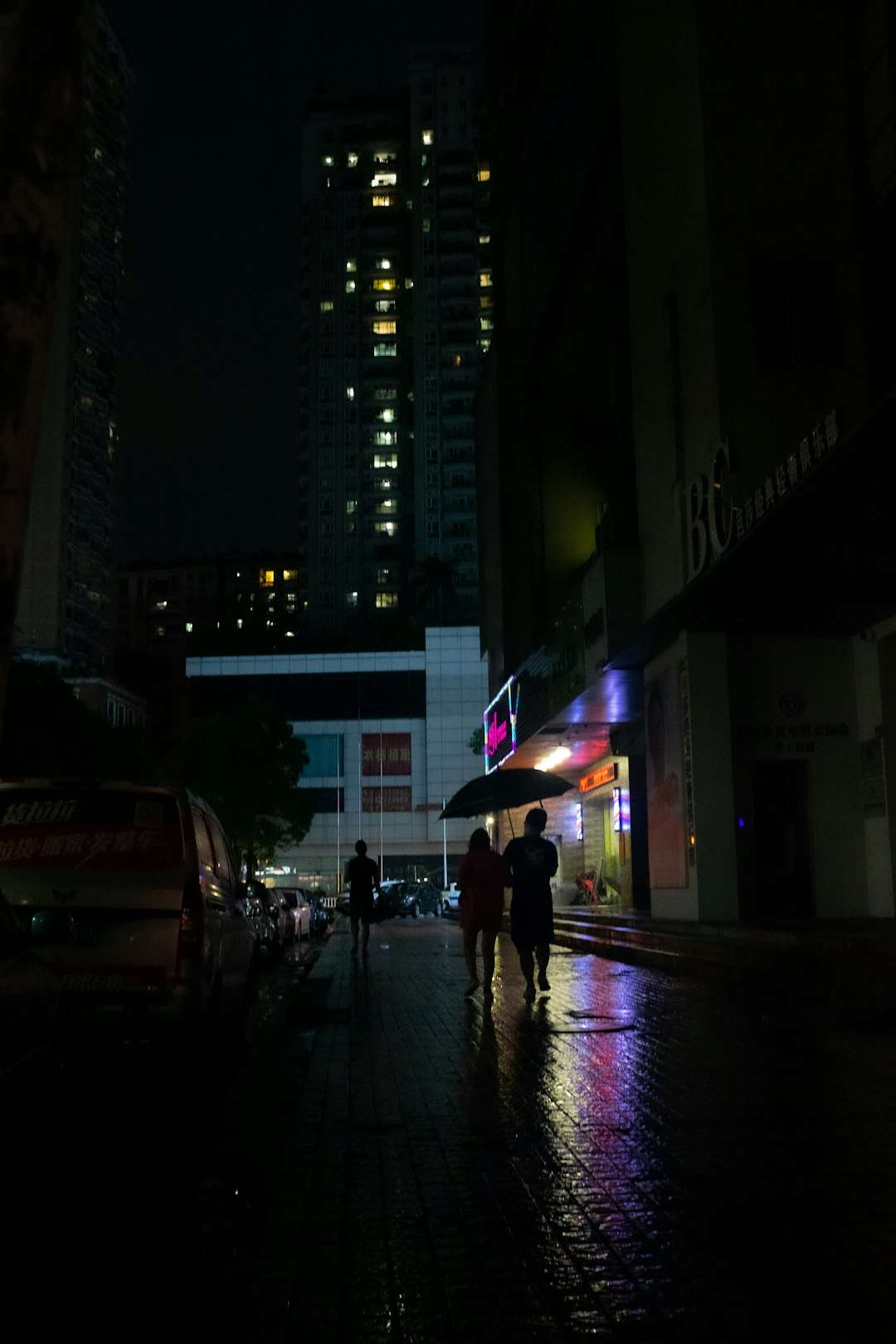
By thinking like a filmmaker, users shift from generating clips to directing scenes.
2. Use Camera Movement and Composition Intentionally
One of the most overlooked features in text-to-video prompting is camera direction. Cinematic storytelling depends heavily on how the camera behaves. Runway Gen-3 responds remarkably well to explicit camera instructions, helping creators achieve dynamic and professional-looking shots.
Useful camera terms include:
- Wide establishing shot
- Slow zoom in
- Dolly out
- Over the shoulder perspective
- Close up with shallow depth of field
- Drone aerial shot
Beyond movement, composition also matters. Adding references such as symmetrical framing, rule of thirds composition, or center framed subject can significantly improve shot quality.
Creators aiming for emotional impact should also match movement to mood:
- Slow pushes inward build tension.
- Handheld motion increases realism or chaos.
- Static shots emphasize isolation.
- Wide panoramic sweeps create epic scale.
When camera language is combined with clear emotional direction, Gen-3 outputs feel less like animation and more like carefully shot cinematography.
3. Control Lighting to Shape Mood and Depth
Lighting is perhaps the single most powerful factor separating amateur visuals from cinematic ones. Runway Gen-3 is highly responsive to lighting cues, and small adjustments in wording can dramatically change the atmosphere.
Instead of simply describing a location, adding nuanced light descriptors transforms the scene:
- Golden hour warm glow
- Soft diffused morning light
- Harsh overhead fluorescent lighting
- Blue hour twilight tones
- Volumetric light rays
- Dramatic chiaroscuro lighting
For example, a futuristic city scene becomes instantly cinematic when described as:
“Futuristic skyline at night, glowing holographic billboards, mist in the air catching neon lights, cinematic high contrast lighting, reflections on glass towers.”
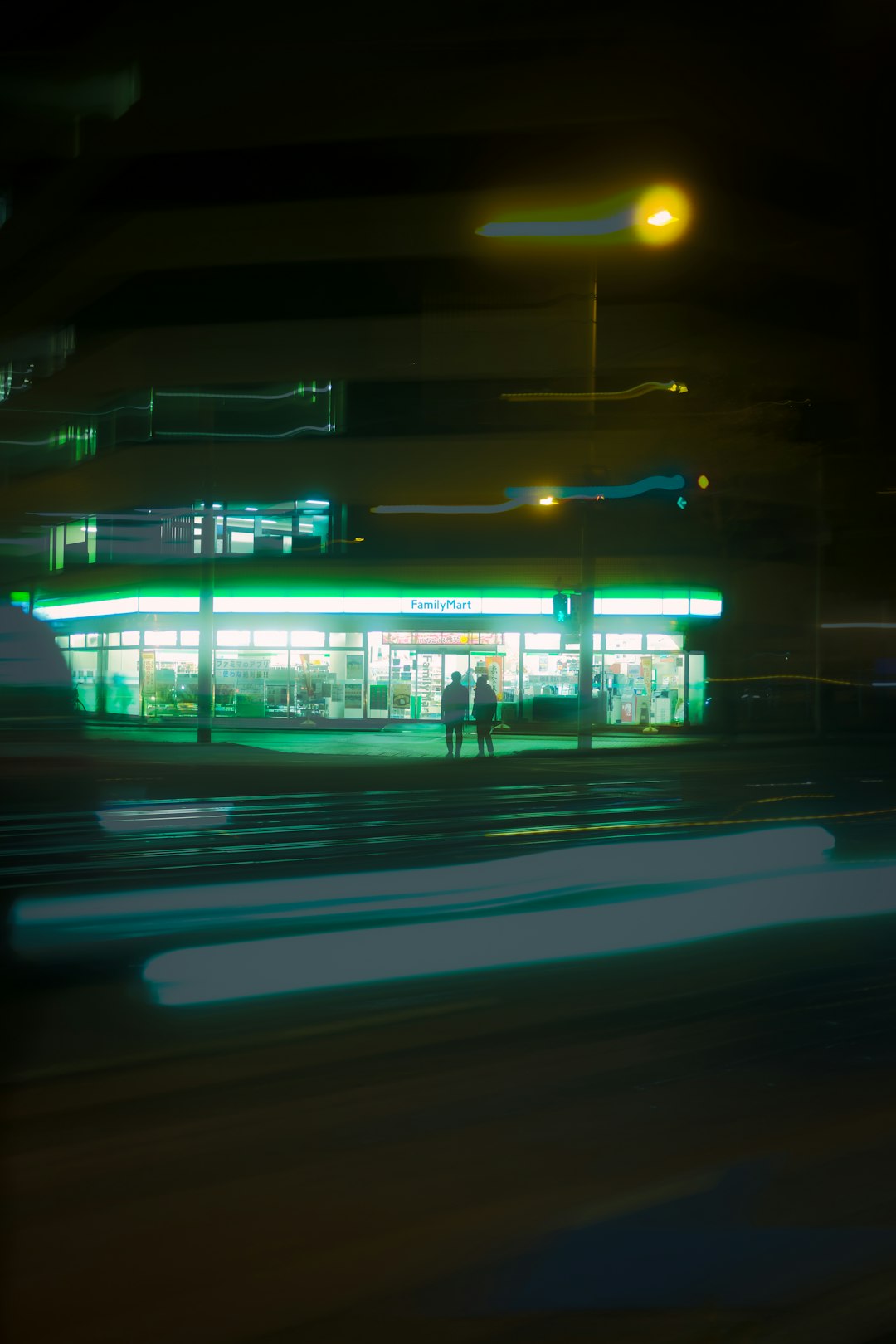
Lighting also adds depth. Words like foreground silhouette, background bokeh, or light fog for atmosphere help produce layered visuals, giving the AI clues to simulate real-world lens behavior.
Ultimately, strong lighting direction ensures that AI visuals convey emotion rather than appearing flat or synthetic.
4. Break Long Narratives into Structured Sequences
Many creators attempt to generate an entire story within a single prompt. While Gen-3 can produce short cinematic clips, complex narratives benefit from segmentation.
Professional filmmakers rarely shoot an entire scene in one take. Instead, they compose sequences of shots: establishing views, medium angles, close-ups, and cutaways. The same principle applies to AI text-to-video generation.
An effective workflow includes:
- Establishing Shot – Introduce environment and tone.
- Character Introduction – Medium shot with emotional cues.
- Detail Cutaway – Close-up of key object or expression.
- Action Beat – Movement-driven shot.
- Resolution Shot – Visual closure.
Generating each segment individually gives creators:
- Greater stylistic consistency
- Improved narrative clarity
- Easier editing control
- More cinematic pacing
These clips can then be assembled in editing software, enhanced with sound design, color grading, and effects. This structured method transforms isolated AI clips into cohesive short films.
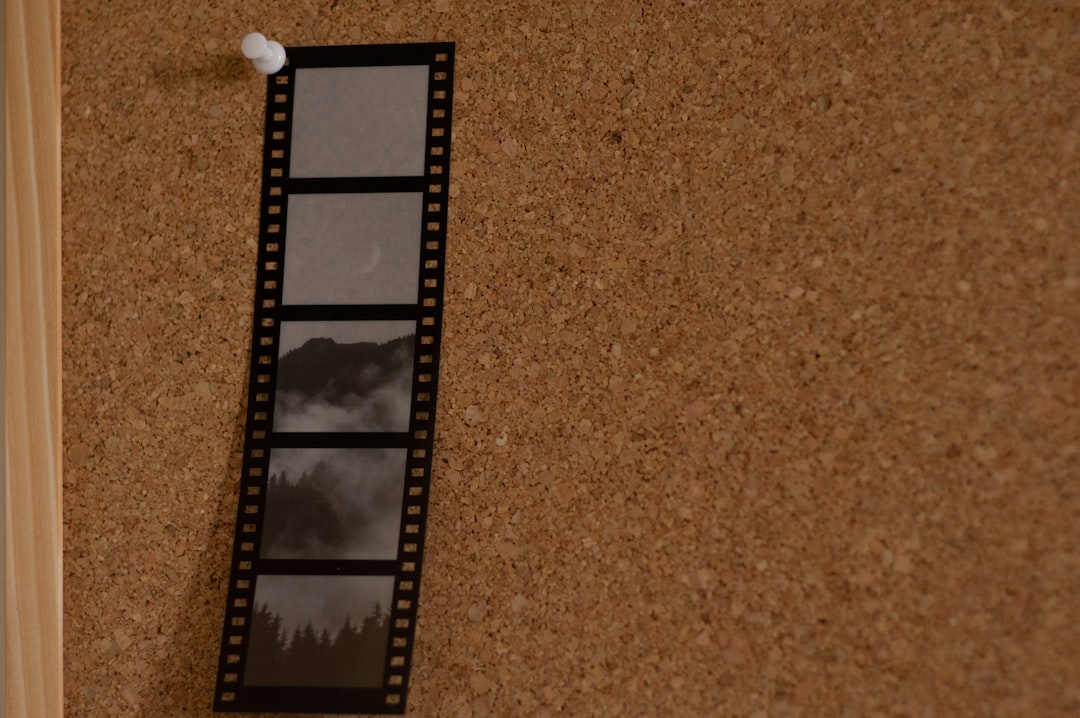
The key insight is simple: treat Gen-3 as a shot generator, not a full movie generator.
5. Maintain Visual Consistency with Style Anchors
One of the challenges of text-to-video projects is maintaining stylistic continuity across multiple generations. Without guidance, scenes may vary in tone, character appearance, or artistic direction.
To maintain cohesion, creators can use style anchors — recurring descriptive phrases that remain consistent across prompts.
Examples of effective anchors include:
- Shot on 35mm film
- Ultra realistic cinematic color grading
- Dark fantasy aesthetic
- Soft anime style with painterly textures
- High contrast cyberpunk palette
Repeating specific character descriptions also prevents drift. Rather than saying “a warrior” in one prompt and “a fighter” in another, consistently reuse detailed descriptors such as:
“A scarred female warrior with long silver braids, wearing worn leather armor with glowing blue runes.”
This repetition signals to Gen-3 that the character should remain visually stable. Over time, creators build a recognizable cinematic identity within their project.
For larger projects, maintaining a written visual style guide alongside prompts dramatically improves consistency.
Bonus Tip: Enhance with Post-Production
Even high-quality Gen-3 outputs benefit from refinement. Cinematic polish often comes during post-production rather than generation.
Enhancements may include:
- Color grading in professional editing software
- Letterbox aspect ratios for cinematic framing
- Film grain overlays for realism
- Sound design and ambient audio layers
- Subtle motion blur or sharpen adjustments
AI generates the visuals, but sound and editing create immersion. Combining Gen-3 with thoughtful post-production transforms short clips into emotionally compelling visual stories.
Final Thoughts
Runway Gen-3 is more than a novelty AI generator — it is a cinematic instrument. When guided with detailed prompts, intentional camera language, and structured storytelling, it becomes a powerful filmmaking partner.
The most successful creators approach text-to-video not as automation, but as collaboration. They define mood with lighting cues, compose shots with camera terms, maintain consistency through style anchors, and assemble sequences like traditional films. This mindset shift elevates projects from experimental clips to professional cinematic experiences.
Frequently Asked Questions (FAQ)
1. What makes Runway Gen-3 different from other text-to-video tools?
Runway Gen-3 stands out for its improved motion coherence, realistic lighting interpretation, and responsiveness to cinematic camera instructions. It handles detailed prompts more effectively than earlier generations.
2. How long should a cinematic prompt be?
There is no strict word count, but cinematic prompts are typically one to three detailed sentences. The key is including subject, setting, lighting, camera direction, and tone without becoming overly repetitive.
3. Can beginners create professional-quality results?
Yes. Beginners can achieve impressive output by following structured frameworks for prompting. Learning basic film terminology dramatically improves results.
4. How can consistency be maintained across multiple scenes?
Using repeated character descriptions, consistent style phrases, and similar lighting cues helps preserve visual continuity. Breaking projects into structured sequences also improves cohesion.
5. Is post-production necessary with AI-generated video?
While not mandatory, post-production enhances cinematic quality. Sound design, color grading, and editing are critical for elevating AI visuals into polished final products.
6. What is the biggest mistake creators make with Gen-3?
The most common mistake is writing vague prompts. Treating Gen-3 like a filmmaking tool rather than a random generator produces far superior cinematic outcomes.