
For small businesses, graphic design is no longer a “nice to have” activity handled only when there is extra time or budget. In 2026, visual communication affects almost every point of the customer journey: social media posts, websites, product packaging, email campaigns, online ads, proposals, presentations, menus, signage, and customer support materials. The best graphic design tools help smaller teams look credible, work faster, and compete with larger brands without needing a full in-house design department.
TLDR: The best graphic design tools in 2026 help small businesses grow by making professional visuals faster, more affordable, and more consistent. They combine templates, brand kits, AI assistance, collaboration features, and publishing workflows so owners can create marketing materials without starting from scratch. Used well, these tools improve brand recognition, increase campaign speed, and support better sales conversations across digital and physical channels.
Design Has Become a Growth Function, Not Just a Creative Task
Small businesses often operate with limited staff, tight margins, and constant pressure to prove value quickly. In that environment, design tools are valuable because they connect directly to business outcomes. A polished landing page can increase trust. A clear product graphic can reduce confusion. A professional social media campaign can make a local company appear more established. Good design supports growth by helping customers understand, remember, and choose a business.
In 2026, the strongest tools are no longer limited to advanced desktop software used only by professional designers. Platforms such as Canva, Adobe Express, Figma, Affinity, VistaCreate, and other modern creative suites now offer features that are accessible to non-designers while still being useful for experienced creative teams. This matters because many small businesses need both simplicity and control. They need to produce materials quickly, but they also need those materials to remain consistent and credible.
Brand Consistency Becomes Easier to Maintain
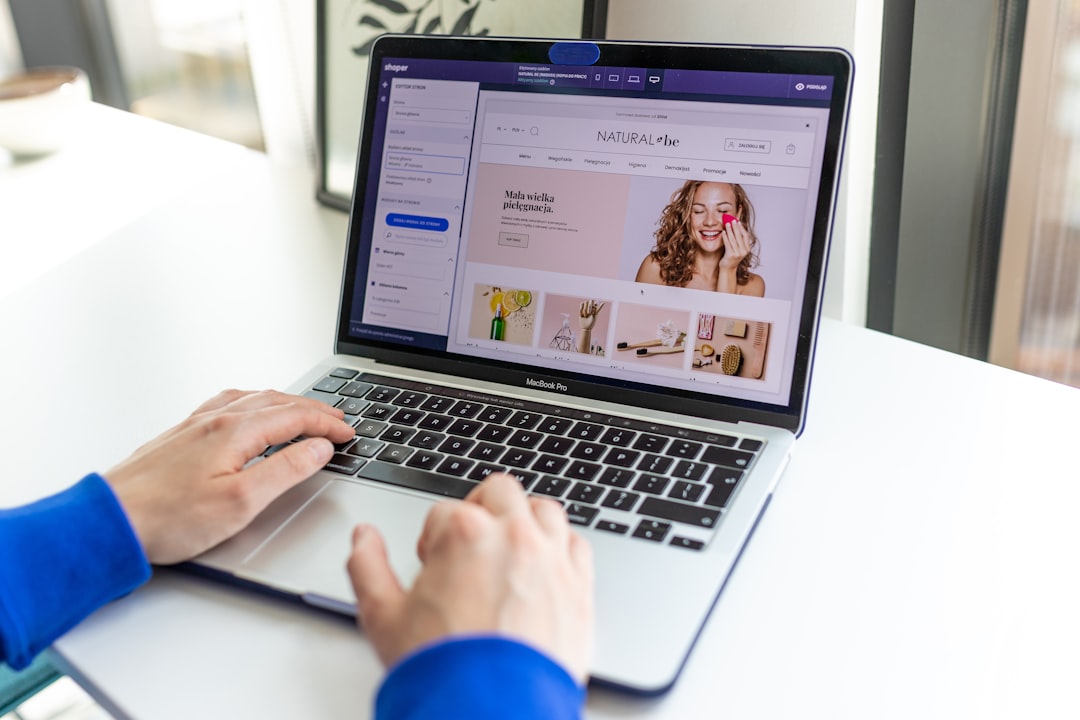
One of the biggest advantages of modern design tools is the ability to create and manage a brand kit. A brand kit usually includes logos, colors, fonts, image styles, icons, and reusable layouts. For a small business, this is more than a convenience. It prevents the common problem of every flyer, social post, invoice, and advertisement looking slightly different.
Consistency builds recognition. When customers repeatedly see the same colors, typefaces, and visual style, the business becomes easier to identify. Over time, that recognition can create familiarity and trust. In competitive markets, trust is often the difference between a customer clicking, calling, visiting, or buying from someone else.
The best tools in 2026 also make consistency less dependent on one person. If a business owner, assistant, marketer, and freelancer all use the same approved assets, the company reduces mistakes and saves time. Instead of searching through old files or copying designs from previous campaigns, team members can start with approved templates and adapt them safely.
AI Speeds Up Routine Creative Work
Artificial intelligence is one of the most significant reasons design tools have become more useful to small businesses. AI features can now help generate layout ideas, resize graphics, remove backgrounds, improve image quality, suggest color combinations, write short marketing copy, and create design variations for testing.
This does not mean small businesses should rely on AI without judgment. The best results still come from clear strategy, accurate information, and human review. However, AI reduces the time spent on repetitive steps. A café can quickly create several versions of a seasonal menu graphic. A fitness coach can adapt one campaign into posts, stories, email banners, and print flyers. A small retailer can remove product backgrounds and prepare images for ecommerce listings without hiring a photo editor for every update.
The real value is not that AI replaces creative thinking. It is that it gives small businesses more chances to test ideas. Instead of spending days producing one campaign concept, a team can compare several options and choose the strongest version based on customer response.
Templates Help Non-Designers Start With Structure
Many small business owners are not trained designers, and that is exactly why templates remain important. High-quality templates provide structure: spacing, hierarchy, balance, and visual flow. They help users avoid common mistakes such as crowded layouts, unreadable text, poor contrast, or inconsistent alignment.
In 2026, the best template libraries are more flexible and specialized than earlier versions. Businesses can find designs for local services, ecommerce promotions, real estate listings, restaurants, wellness brands, consultants, events, education, and more. This helps a business move quickly while still adapting the design to its own message and identity.
Templates are especially valuable for recurring marketing needs, including:
- Social media campaigns for product launches, promotions, events, and announcements.
- Email graphics that support newsletters, sales campaigns, and customer education.
- Print materials such as posters, brochures, business cards, menus, and coupons.
- Presentation decks for sales meetings, investor conversations, and proposals.
- Website and landing page visuals that explain services and guide conversion.
Templates should not make every business look the same. The most effective small businesses treat templates as a starting point, then customize them with brand elements, original photography, specific offers, and clear messaging.
Collaboration Features Reduce Bottlenecks
Growth often slows when too many tasks depend on one person. Modern design tools address this with collaboration features such as shared workspaces, commenting, version history, permissions, approval workflows, and live editing. These features help small teams work more professionally, even when they are remote or using freelancers.
For example, a business owner can leave comments on a brochure draft, a marketing assistant can update product details, and a freelance designer can refine the final layout without files being passed back and forth through long email chains. Version history also makes it easier to recover previous work or understand what changed.
This is important because design delays can become revenue delays. If a business cannot launch ads, update its website, or promote an event on time, it may lose opportunities. Better collaboration helps marketing move at the pace the business requires.
Multi Channel Publishing Supports Faster Campaigns
Small businesses rarely market in only one place. A single offer may need to appear on Instagram, Facebook, TikTok, Google Business Profile, email, a website banner, printed posters, and in-store displays. The best graphic design tools help users resize and adapt designs for different channels without rebuilding everything manually.
This is a practical growth advantage. When a campaign can be launched across multiple channels quickly, the business increases the number of times customers encounter the message. Repetition matters. A customer may ignore the first post, notice the second, click the third, and purchase after receiving an email reminder.
Modern tools also help maintain quality across formats. A design that works as a square social post may not work as a vertical story or wide website banner. Smart resizing, layout suggestions, and format-specific templates help preserve readability and visual impact.
Better Visuals Improve Customer Trust
Customers make fast judgments. A poorly designed ad, inconsistent logo, blurry product image, or confusing flyer can make a legitimate business appear unreliable. This is particularly challenging for newer companies that have not yet built a strong reputation.
Professional design tools help small businesses present themselves clearly and confidently. Clean layouts, strong typography, consistent colors, and sharp images communicate competence. While design alone cannot fix weak products or poor service, it can remove unnecessary doubt from the customer’s mind.
Trust is especially important in industries where customers compare several providers before making a decision, such as home services, consulting, health and wellness, education, hospitality, and ecommerce. A business that looks organized and professional is more likely to be taken seriously.
Design Tools Help Businesses Sell More Clearly
Good design is not only about appearance. It also improves communication. The best tools help small businesses explain offers, show benefits, compare packages, highlight testimonials, and guide customers toward action. This is where design connects directly to sales.
A service provider can use an infographic to explain a process. A retailer can create product comparison graphics. A restaurant can make menus easier to scan. A consultant can design a proposal that clearly communicates value. These materials reduce friction because customers do not have to work as hard to understand what is being offered.
Clearer communication often leads to better conversion. When customers understand the offer, believe the business is credible, and know what step to take next, they are more likely to act.
Cost Control Matters for Small Business Growth
Hiring professional designers is valuable, especially for strategy, identity systems, packaging, websites, and complex campaigns. However, not every daily design task requires a custom project. Modern tools allow small businesses to handle routine work internally while saving professional design budgets for higher-impact needs.
This hybrid approach is often the most sustainable. A professional designer might create the original brand identity and core templates. The business can then use design software to produce everyday materials within that system. This protects quality while controlling costs.
Subscription pricing can also be predictable, which helps with budgeting. Still, businesses should evaluate tools carefully. The cheapest option is not always the best. Important considerations include ease of use, export quality, licensing terms, collaboration features, storage, brand control, print support, and whether the platform fits the team’s actual workflow.
Data and Testing Make Design More Accountable
In 2026, small businesses are increasingly expected to make marketing decisions based on evidence, not guesswork. Design tools support this by making it easier to create variations for testing. A business can compare different headlines, images, colors, calls to action, or layouts in ads and email campaigns.
The design tool itself may not always provide the final performance data, but it helps create the assets needed for testing. Results can then be measured through advertising platforms, email software, website analytics, or ecommerce dashboards.
This creates a more disciplined approach. Instead of debating personal preferences, teams can ask: Which design led to more clicks? Which product image increased purchases? Which flyer brought more people into the store? Over time, the business learns what its audience responds to and improves its marketing efficiency.

Accessibility and Inclusivity Are Becoming Standard
Serious businesses must also consider accessibility. Design tools increasingly include features that help check contrast, improve readability, generate captions, and create layouts that work across devices. This is important not only for legal and ethical reasons, but also for commercial ones.
If customers cannot read a graphic, understand a video, or navigate visual content on a mobile device, the business loses potential revenue. Accessible design expands reach. It helps older customers, people with visual impairments, mobile users in bright light, and anyone who needs clear communication quickly.
Inclusive design also makes a business appear more thoughtful and professional. Small businesses that apply these standards early can build stronger relationships with broader audiences.
Choosing the Right Tool Requires Clear Priorities
The “best” graphic design tool is not the same for every business. A solo consultant may prioritize simple templates and presentation graphics. An ecommerce store may need product image editing, batch resizing, and ad variations. A growing startup may need collaborative interface design and brand governance. A local restaurant may care most about menus, posters, and social media speed.
Before choosing a platform, small businesses should ask:
- What materials do we create most often?
- Who will use the tool, and how skilled are they?
- Do we need print, digital, video, or all three?
- Can we lock brand assets to prevent inconsistent designs?
- Does the tool support collaboration with employees or freelancers?
- Are the licensing terms suitable for commercial use?
Answering these questions prevents businesses from paying for features they will not use or choosing a tool that cannot support future growth.
Conclusion: Design Tools Give Small Businesses a Practical Advantage
The best graphic design tools in 2026 help small businesses grow because they make professional communication more achievable. They reduce production time, improve consistency, support collaboration, lower routine design costs, and make it easier to launch campaigns across multiple channels.
However, the tool is only part of the equation. Small businesses still need clear positioning, honest messaging, a strong offer, and attention to customer needs. When those fundamentals are in place, modern design tools become powerful growth assets. They help small businesses look more credible, market more frequently, communicate more clearly, and compete with confidence in crowded markets.