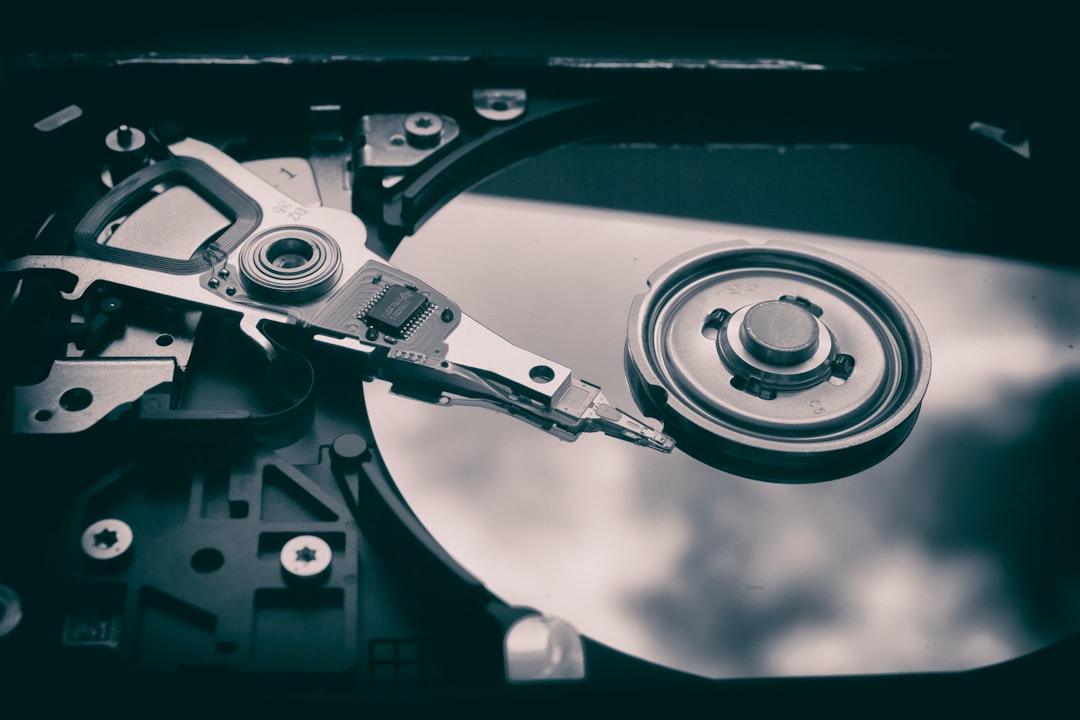
Hard drive fragmentation can quietly erode system performance over time, especially on traditional HDD-based systems. Files become scattered across different sectors of the disk, forcing the drive head to work harder and increasing loading times. While modern SSDs do not require traditional defragmentation, millions of systems worldwide still rely on mechanical drives where defrag software remains relevant. The question many users ask is simple: what is the fastest system defragger software available today?
TL;DR: The fastest system defragger software depends on your hardware, but tools like IObit Smart Defrag, O&O Defrag, and Auslogics Disk Defrag consistently rank at the top in speed and performance optimization. Smart Defrag is known for aggressive optimization and boot-time defrag speed, O&O offers advanced algorithms and deep optimization, and Auslogics delivers quick results with minimal system impact. The right choice ultimately depends on whether you prioritize speed, advanced features, or ease of use.
In this article, we will compare the top system defrag tools based on speed, optimization depth, usability, and system impact. We will also explain what “fastest” really means in the context of defragmentation.
What Determines Defrag Speed?
Before comparing tools, it’s important to understand what affects defragmentation time:
- Drive size (500GB vs. 4TB makes a major difference)
- Fragmentation level (5% vs. 40% fragmented)
- Algorithm efficiency used by the software
- System resources available during operation
- Type of drive (HDD vs. SSD — SSDs should not be traditionally defragged)
The “fastest” defragger is not just the one that finishes quickly. It must also optimize file placement efficiently without consuming excessive CPU or memory.
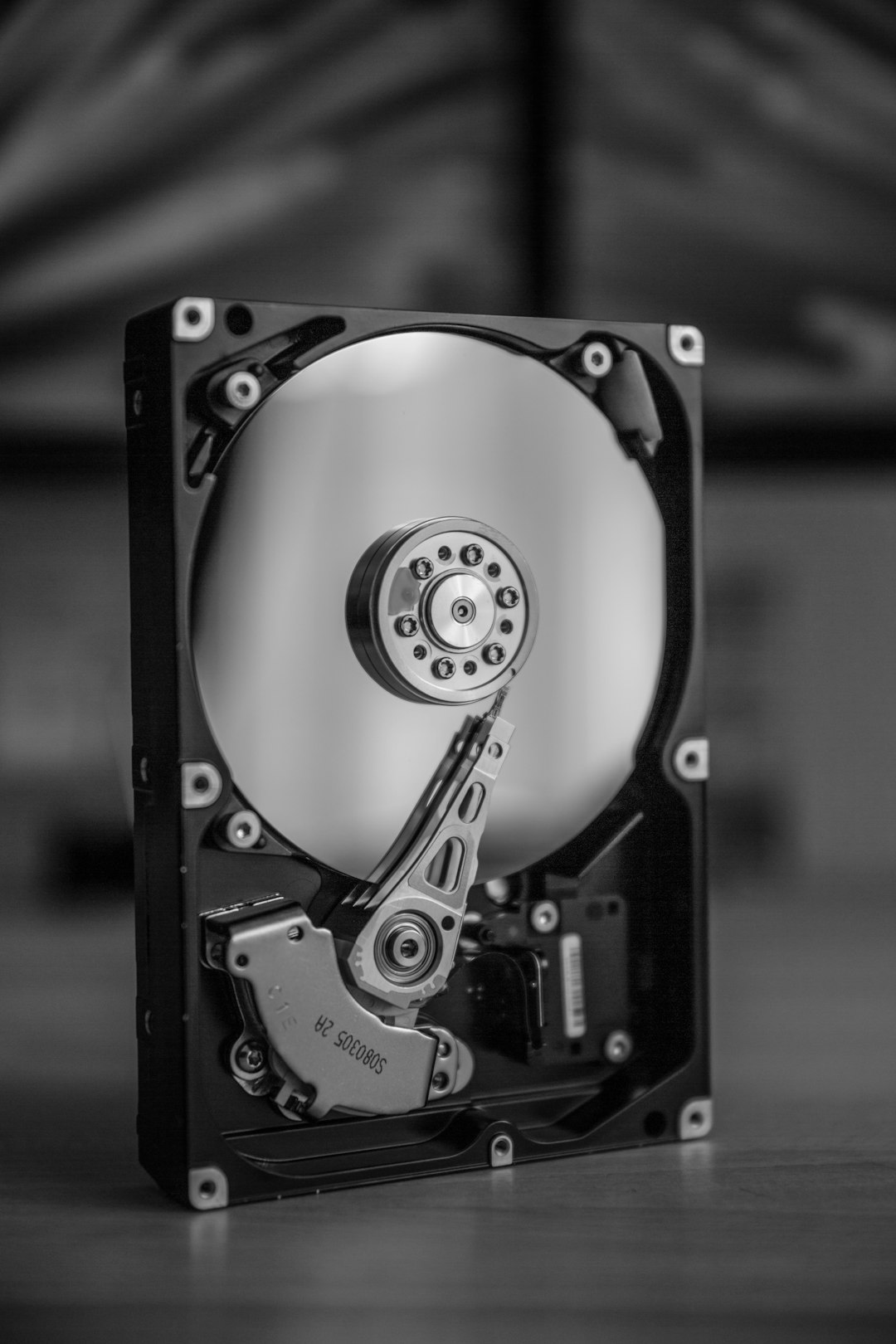
Top Fastest System Defragger Tools Compared
1. IObit Smart Defrag
Best for aggressive optimization and boot-time defrag speed.
IObit Smart Defrag consistently ranks among the fastest defrag tools, particularly on heavily fragmented drives. Its multi-threading engine and large file optimization algorithms enable quick processing without heavily impacting system responsiveness.
Key Features:
- Boot-time defrag for system files
- Game optimization mode
- Automatic background defrag
- Large file consolidation
Speed Performance:
Smart Defrag performs extremely well under high fragmentation conditions. In many tests, it completes standard defragmentation cycles faster than built-in Windows tools by a noticeable margin.
Pros:
- Very fast scanning and defragmentation
- User-friendly interface
- Light system resource usage
Cons:
- Some advanced features locked behind paid version
- Occasional promotional notifications
2. O&O Defrag
Best for advanced users who want deep optimization control.
O&O Defrag is known less for flashy speed claims and more for intelligent optimization algorithms. While not always the fastest in raw execution time, its file CONsolidation and Complete/Name methods can produce longer-lasting performance gains.
Key Features:
- Multiple defrag methods
- Automatic background optimization
- Detailed drive health reports
- Network workstation support (enterprise versions)
Speed Performance:
Quick Defrag mode runs competitively fast. Complete optimization modes take longer but may reduce future fragmentation more effectively.
Pros:
- Professional-grade optimization
- Multiple customizable methods
- Strong reporting tools
Cons:
- Slightly longer deep optimization times
- Premium pricing

3. Auslogics Disk Defrag
Best for lightweight and quick defrag cycles.
Auslogics Disk Defrag is often praised for its speed and low resource usage. It focuses on delivering efficient results without overwhelming older systems.
Key Features:
- Quick defrag mode
- SSD optimization tools
- Custom file placement
- Scheduled defragmentation
Speed Performance:
In quick mode, Auslogics frequently completes scans and basic defragmentation faster than competitors. However, its deep optimization may not be as comprehensive as O&O’s advanced modes.
Pros:
- Very fast execution
- Minimal CPU usage
- Clean interface
Cons:
- Fewer enterprise-level features
- Advanced features may require upgrade
4. Windows Built-in Defrag Tool
Best for basic users who want simplicity.
Windows includes a built-in optimization tool (formerly Disk Defragmenter, now called “Optimize Drives”). While it has improved over the years, it generally prioritizes safety over speed.
Speed Performance:
Adequate for moderate fragmentation. However, compared head-to-head with specialized tools, it tends to be slower and offers fewer optimization choices.
Pros:
- Free and pre-installed
- No ads or upsells
- Safe and stable
Cons:
- Limited customization
- Slower under heavy fragmentation
Comparison Chart: Fastest Defragger Tools
| Software | Speed Rating | Deep Optimization | Resource Usage | Best For |
|---|---|---|---|---|
| IObit Smart Defrag | Very Fast | Good | Low to Moderate | Overall speed and gaming PCs |
| O&O Defrag | Fast | Excellent | Moderate | Advanced optimization needs |
| Auslogics Disk Defrag | Very Fast | Good | Very Low | Older or low-resource PCs |
| Windows Optimize Drives | Moderate | Basic | Very Low | Casual users |
Which Is Truly the Fastest?
If we judge purely by raw speed in completing defrag cycles, both IObit Smart Defrag and Auslogics Disk Defrag typically top the list. They scan quickly, move file clusters efficiently, and minimize downtime.
However, if you measure “fastest” by long-term performance improvement per run, O&O Defrag may provide stronger sustained results due to its advanced algorithms.
For most users, IObit Smart Defrag strikes the best balance between execution speed and meaningful optimization.
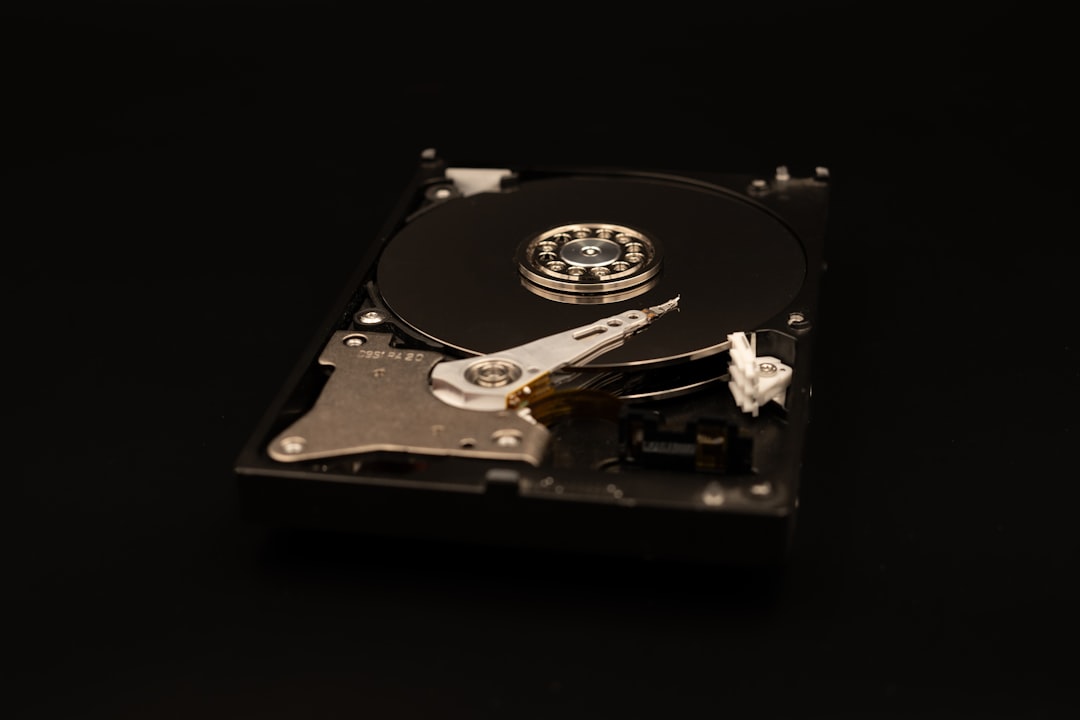
Important Note About SSDs
It is critical to understand that traditional defragmentation should not be performed on SSDs. Modern SSDs use TRIM commands and different storage architecture. Most leading defrag tools detect SSDs automatically and switch to safe optimization methods.
Running aggressive defrag operations on SSD hardware may reduce lifespan without improving performance.
Final Recommendation
Choosing the fastest system defragger software depends on your goals:
- If you want the fastest overall execution: choose IObit Smart Defrag.
- If you prefer lightweight speed with minimal system impact: choose Auslogics Disk Defrag.
- If you want deep professional optimization: choose O&O Defrag.
- If you want simplicity without extra installs: use the built-in Windows tool.
For HDD systems still in active use, regular defragmentation can meaningfully improve boot time, file access speed, and overall responsiveness. Selecting a high-performance defragger ensures that maintenance tasks finish quickly while delivering measurable results.
Ultimately, the fastest software is the one that balances execution time, system stability, and tangible performance gains. The tools listed above represent the most reliable and fastest options currently available for traditional hard disk optimization.